















Download address: https://github.com/BETAFPV/BETAFPV_Configurator/releases
Manual: https://support.betafpv.com/hc/en-us/article_attachments/40772076147737
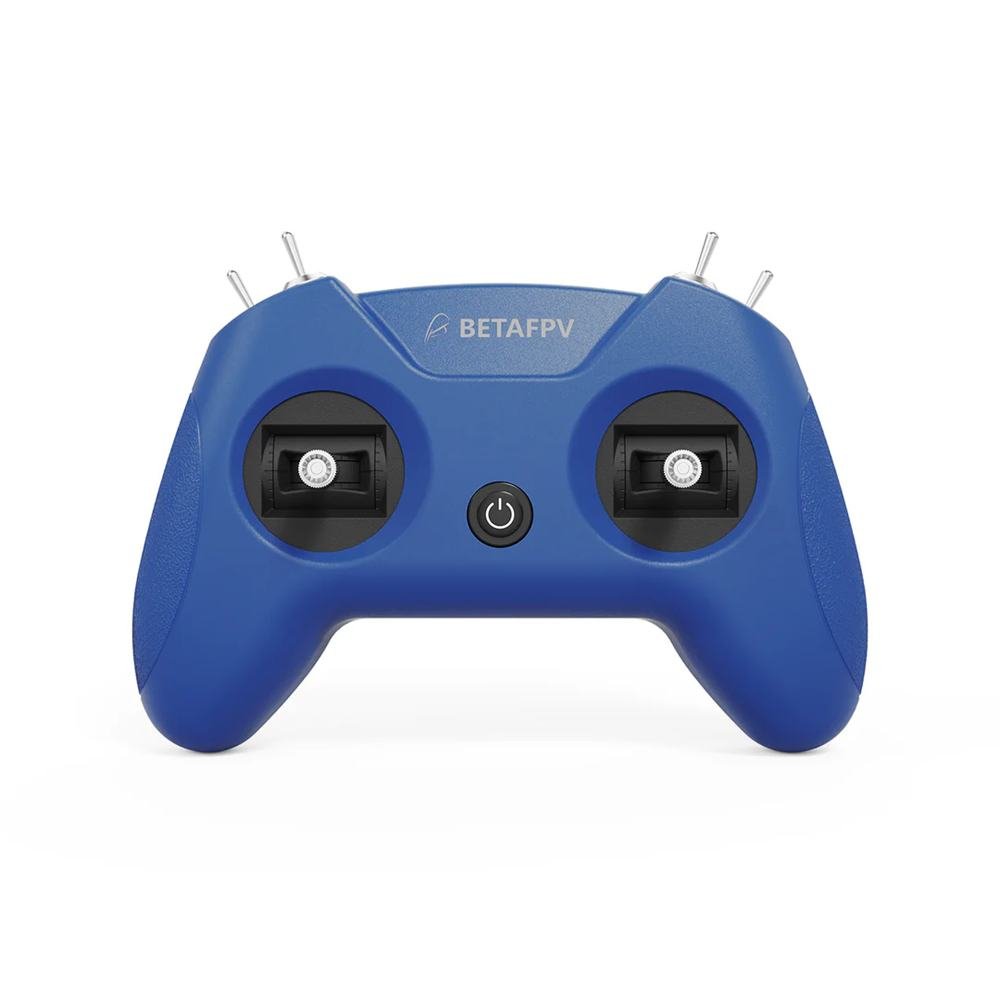
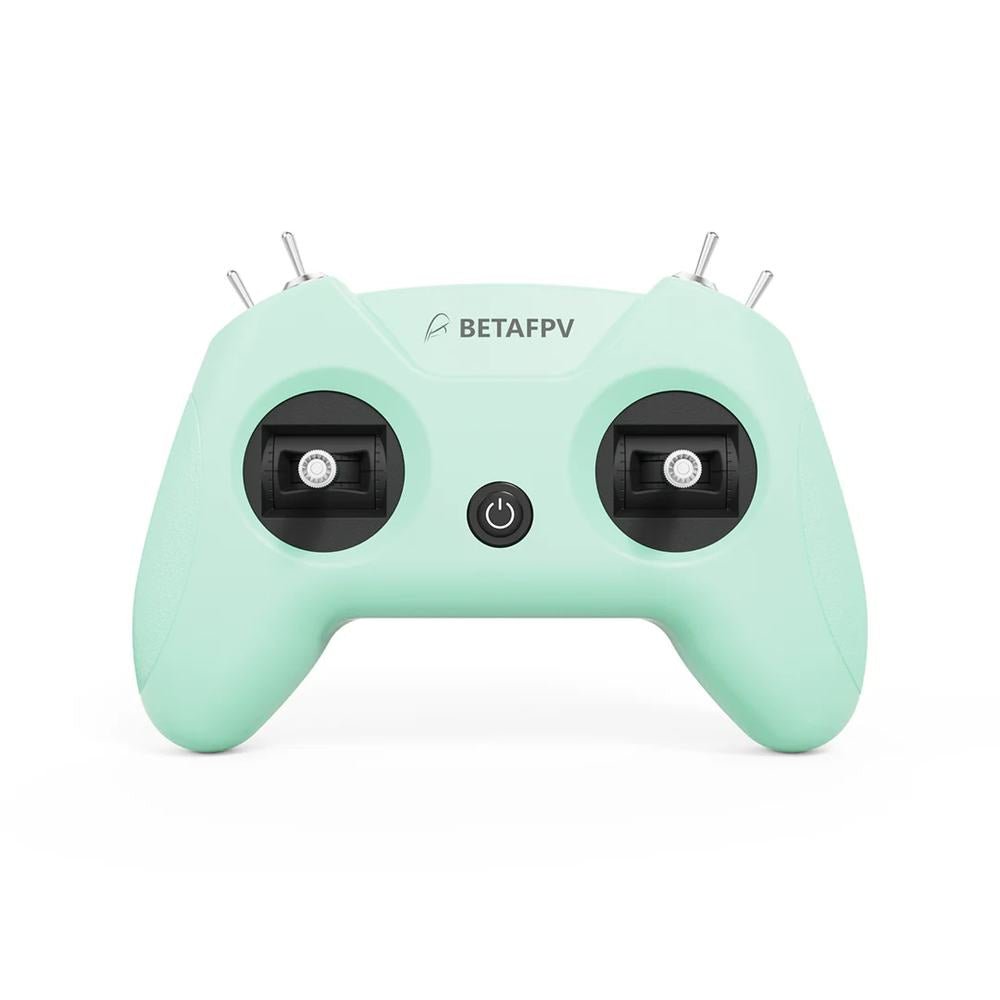
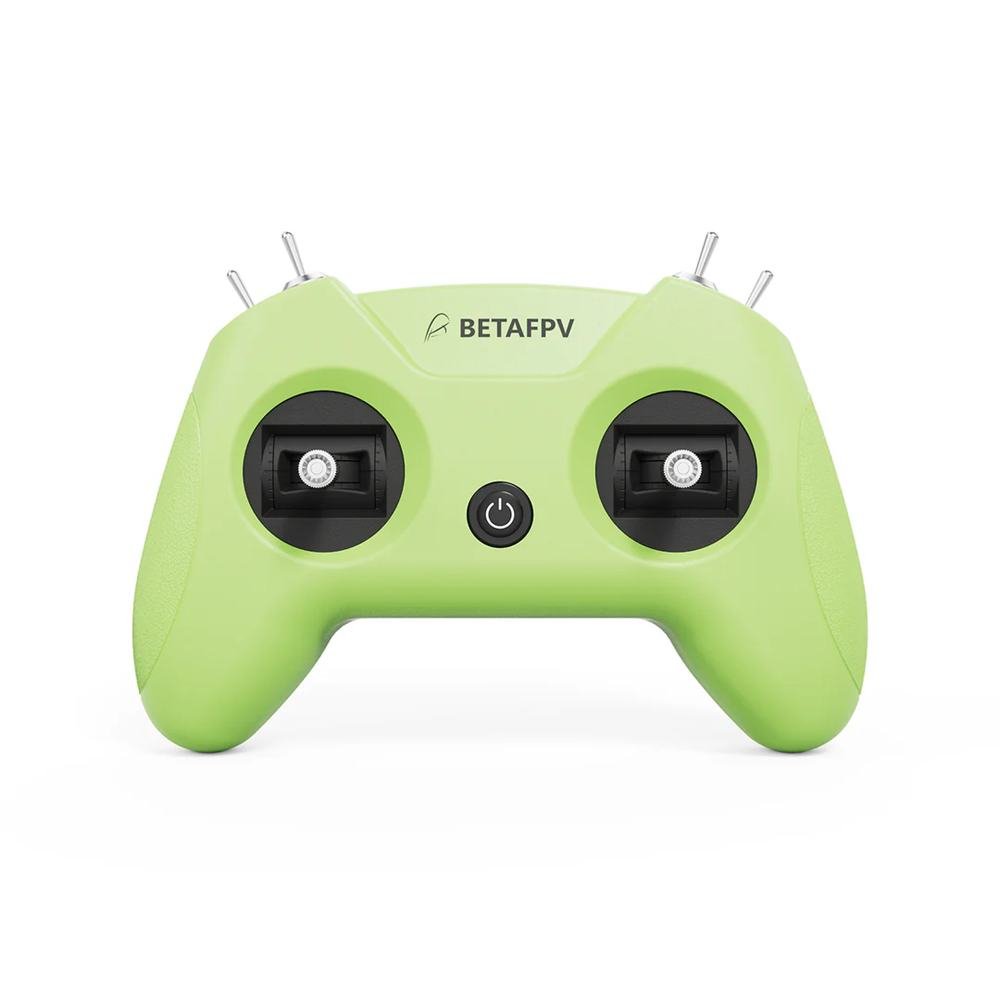
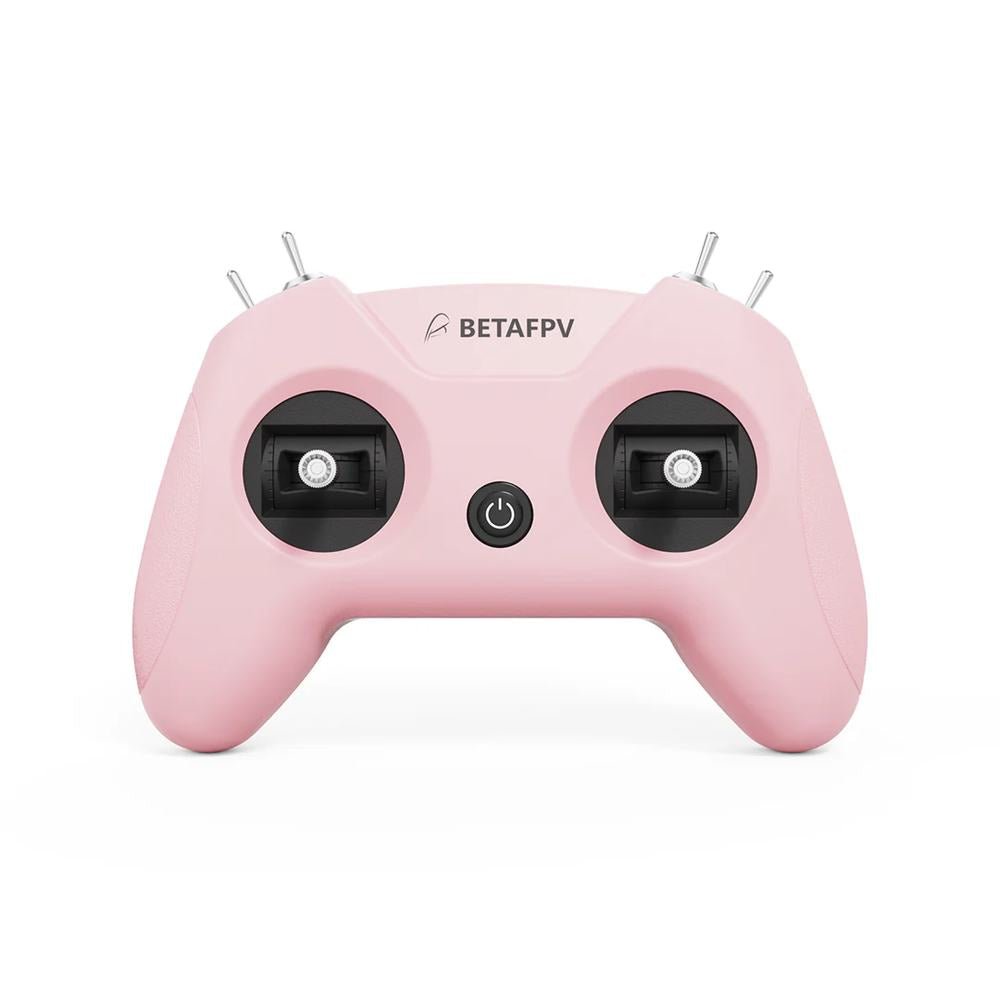
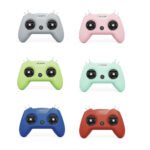
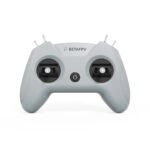
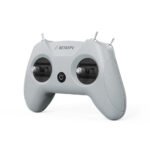
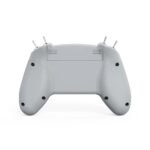
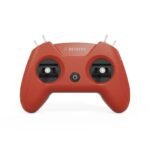
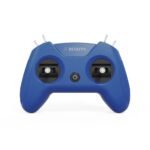
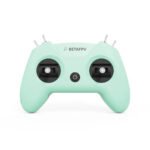
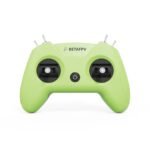
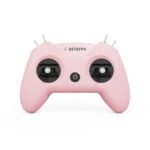
$23.99
| Weight | N/A |
|---|---|
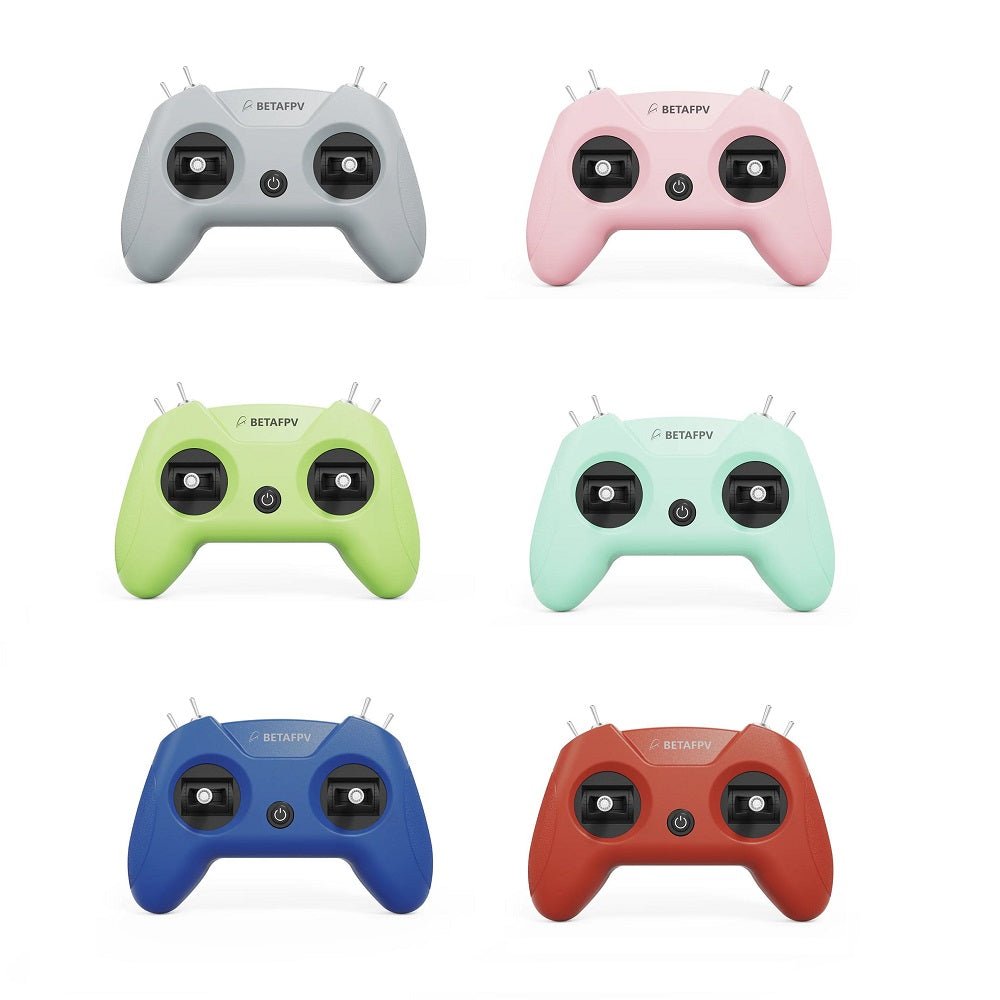
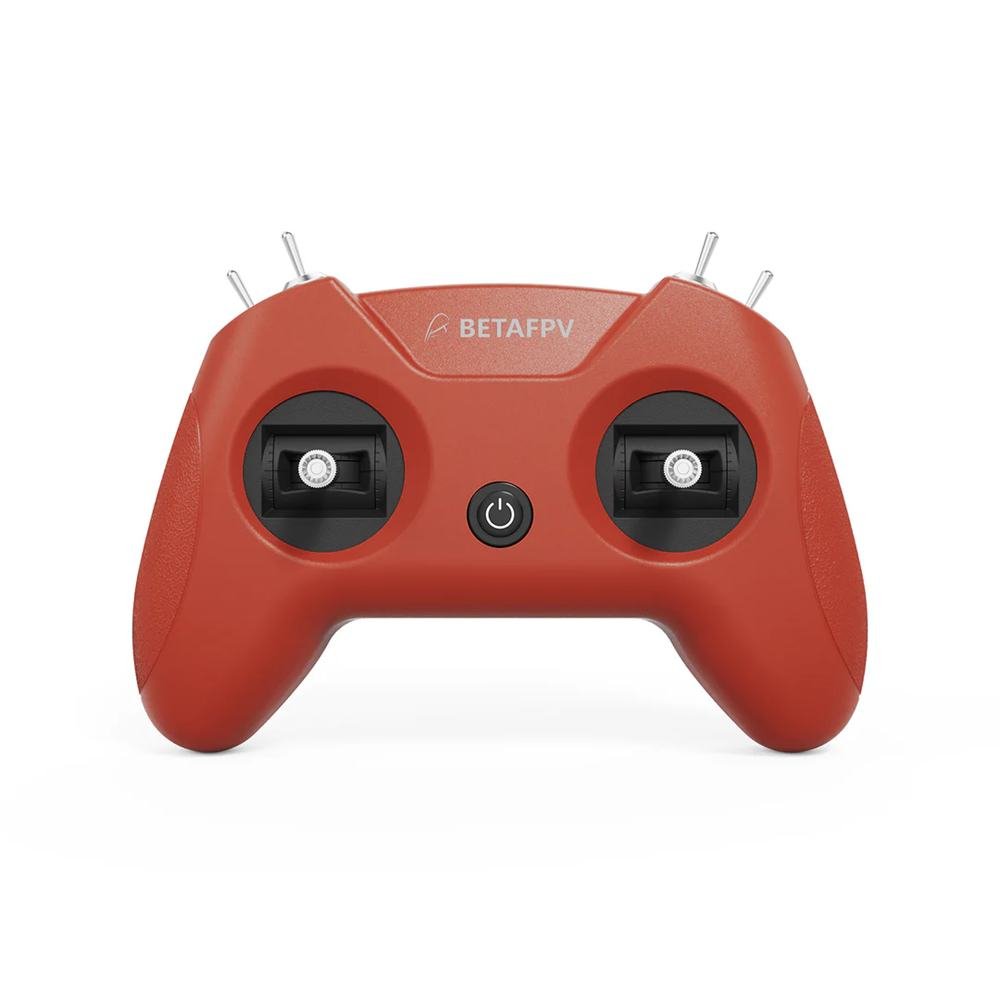
| Color | Crimson Red, Dark Blue, Light Cyan, Light Gray, Lime Green, Pink |
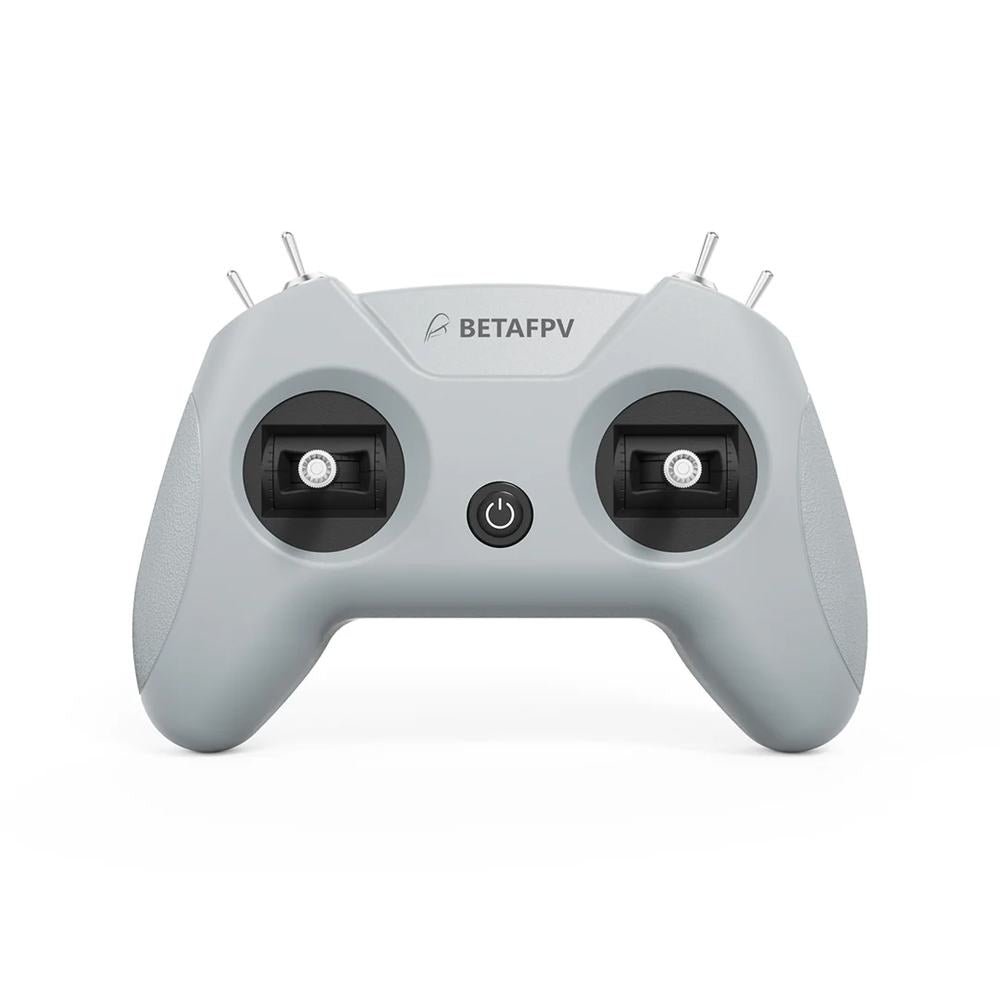
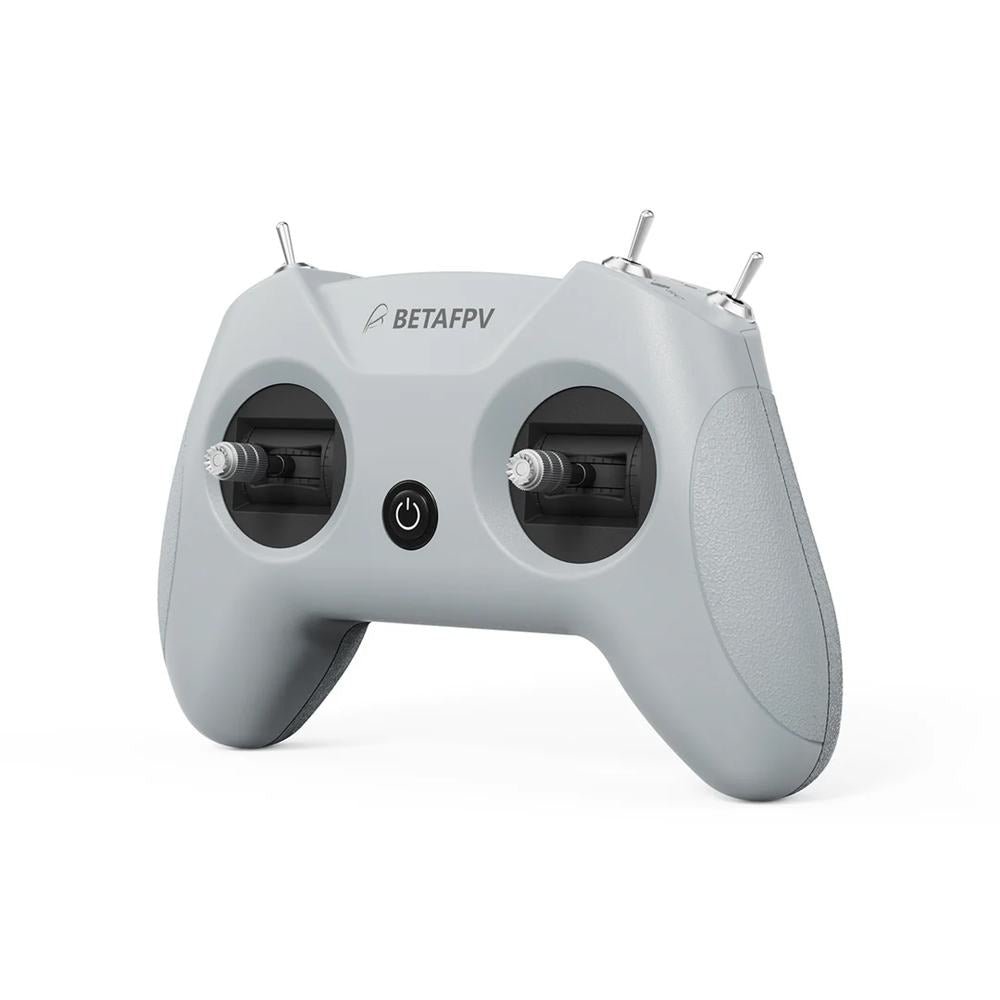
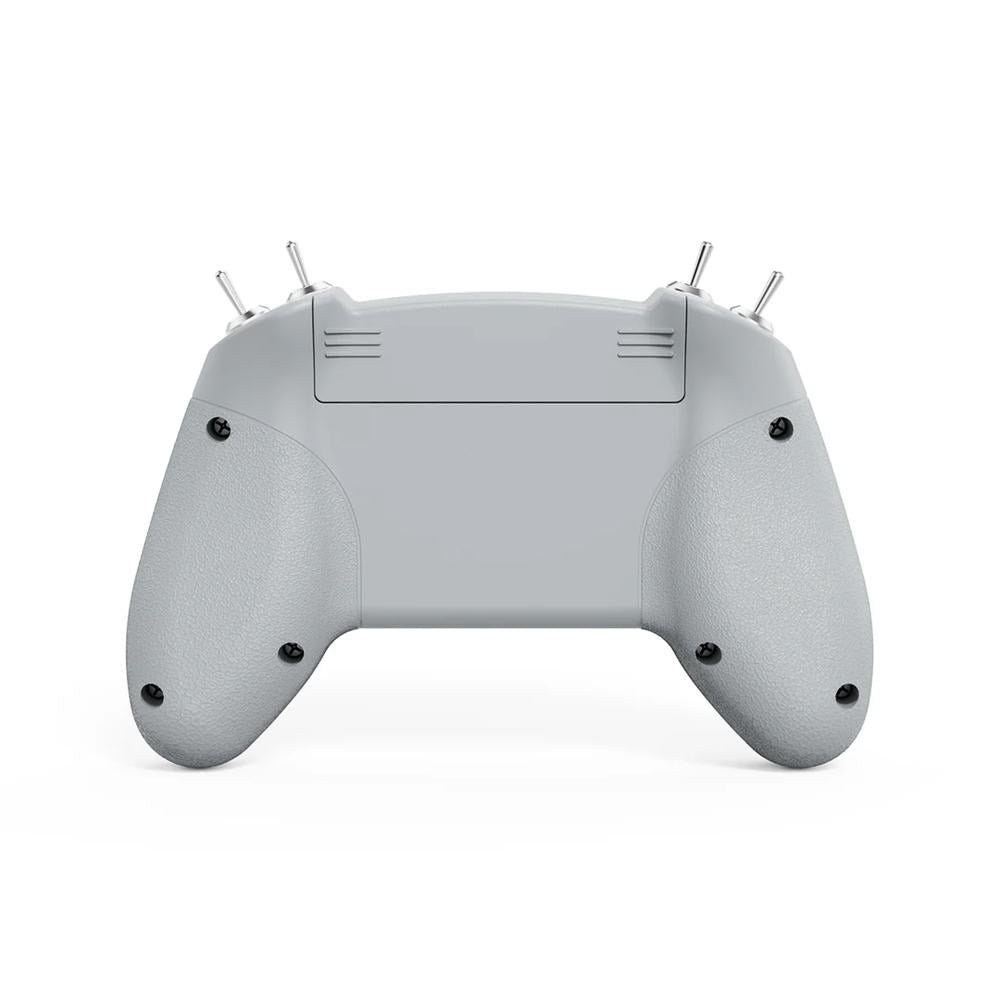
Engineered exclusively for simulator training, the LiteRadio 2 SIM Controller delivers authentic FPV flight feel without real-world risks. Unlock universal compatibility across every major simulator platform – from DRL and VelociDrone to DJI Virtual Flight and Phoenix RC – through its triple-mode connectivity (Joystick/Xbox/Dongle). Customize your setup with vibrant color options and select Mode 1 or Mode 2 configurations. The front-facing Type-C port ensures tangle-free connections to PCs, tablets or mobiles, while BETAFPV Configurator support keeps firmware updated with one click. LiteRadio 2 SIM, your ultimate sim companion!
Check out all our Radios and the rest of our BetaFPV Products!


The LiteRadio 2 SIM unlocks universal simulator compatibility across every major FPV and RC flight simulator on Windows/macOS/Android, providing a seamless cross-platform training experience for pilots at any skill level.
JoyStick Mode: VelociDrone, UNCRASHED, DRL, DCL, Liftoff, TRYP FPV, FeelFPV, FPV Freerider, RaceFly, and other FPV simulators on Steam.

Xbox Mode: Aerofly RC 8, DJI Virtual Flight.

Dongle Mode: Phoenix RC 6.0.

The LiteRadio 2 SIM lets you train in vibrant personality with 6 eye-catching color options: Light Gray, Crimson Red, Dark Blue, Light Cyan, Lime Green, and Pink. Choose Mode 1 or Mode 2 configurations in our best-selling Light Gray and Crimson Red editions to match your preferred grip style.

Featuring a front-mounted Type-C port that eliminates cable strain and enables true plug-and-play operation (connect → fly within seconds), paired with LiteRadio’s pro-grade gimbal for pixel-perfect control. Perfect for beginners yet robust enough for advanced training, this controller transforms any desk into a high-performance simulator cockpit.

The LiteRadio 2 SIM Controller stays future-ready with updates via the BETAFPV Configurator, ensuring compatibility with new simulator releases and features. The BETAFPV Configurator is an open-source configuration tool tailored for BETAFPV drones and remote controls. It enables pilots to effortlessly configure and fine-tune various parameters, ensuring more efficient and optimized flight control.
Download address: https://github.com/BETAFPV/BETAFPV_Configurator/releases
Manual: https://support.betafpv.com/hc/en-us/article_attachments/40772076147737

BETAFPV Configurator features:
Note: Press the power button on the controller and then connect it to the PC for flashing. Or it will render the USB port non-functional.

Only logged in customers who have purchased this product may leave a review.

No account yet?
Create an Account











Reviews
There are no reviews yet.