

Ready-to-Fly Drones · Shop by specification
Find the right ready-to-fly drones faster.
Choose the aircraft type and package format that matches how quickly you want to get flying.





15-30 Days
Free

Our courier will deliver to the specified address
7-15 Days
From $20

courier will deliver to the specified address
3-5 Days
From $40
$76.99
Out of stock
Out of stock
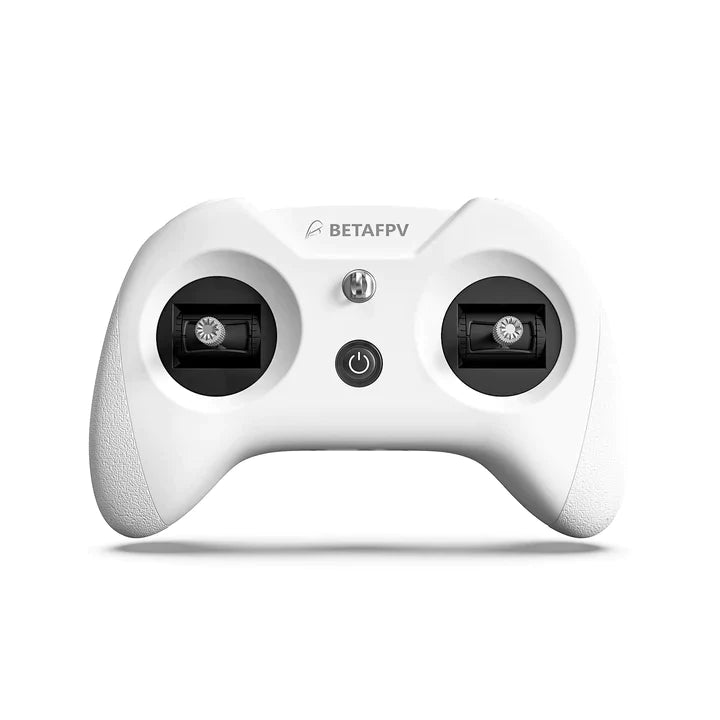
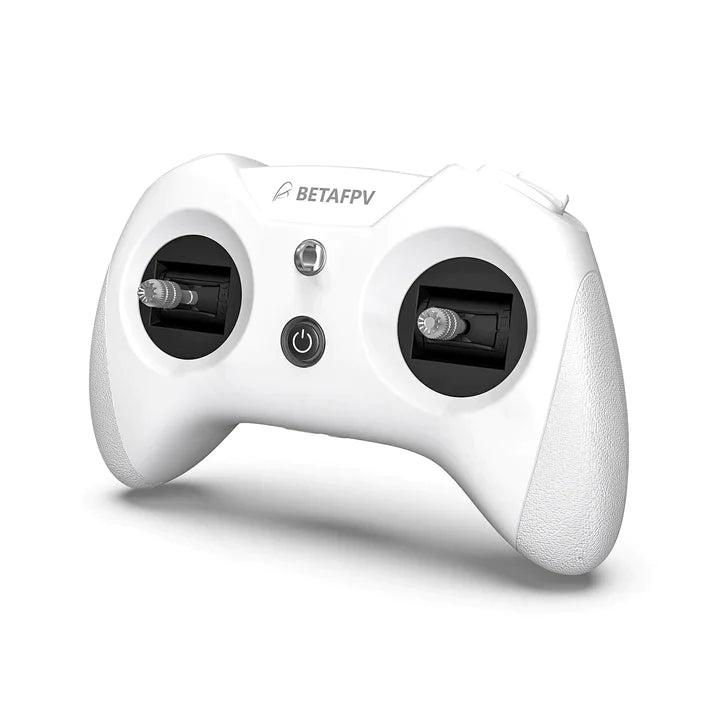
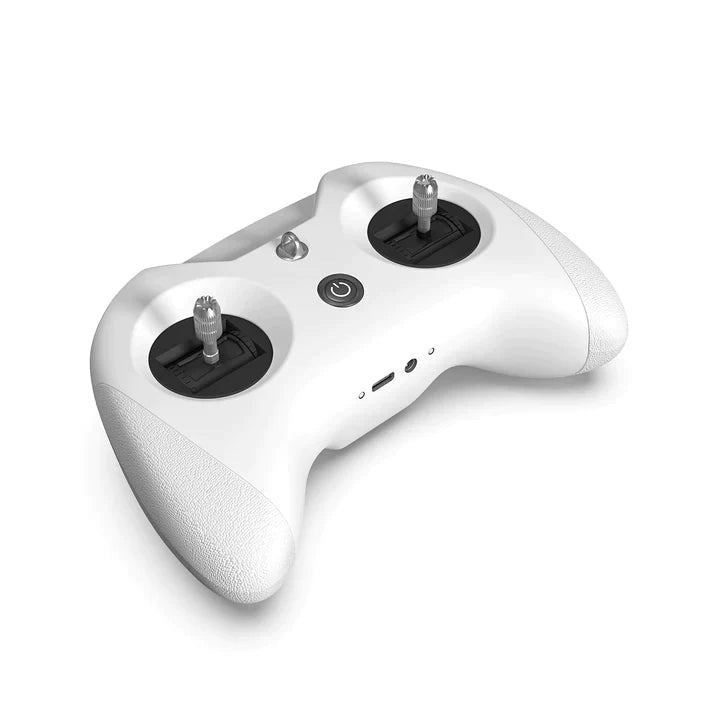
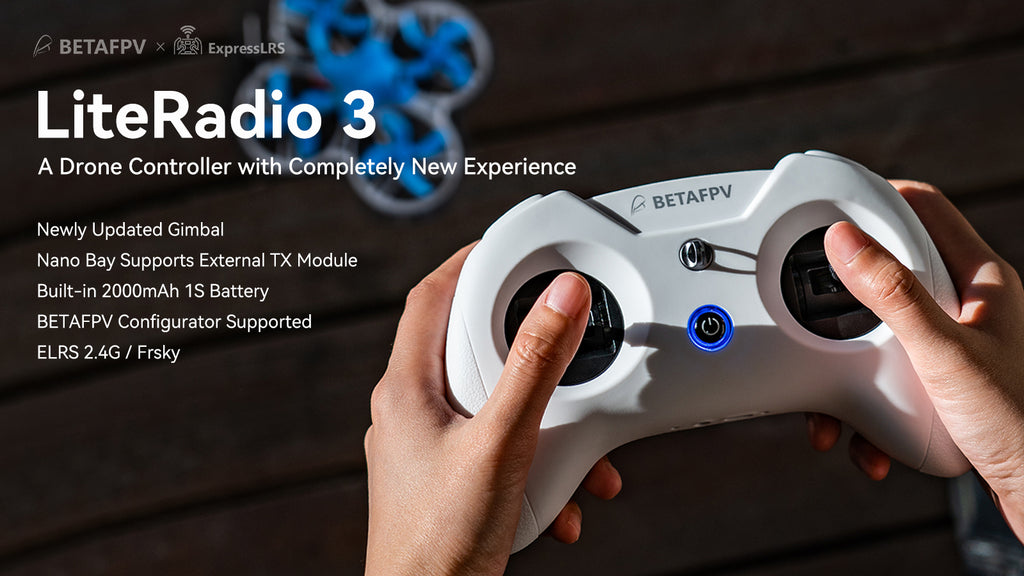
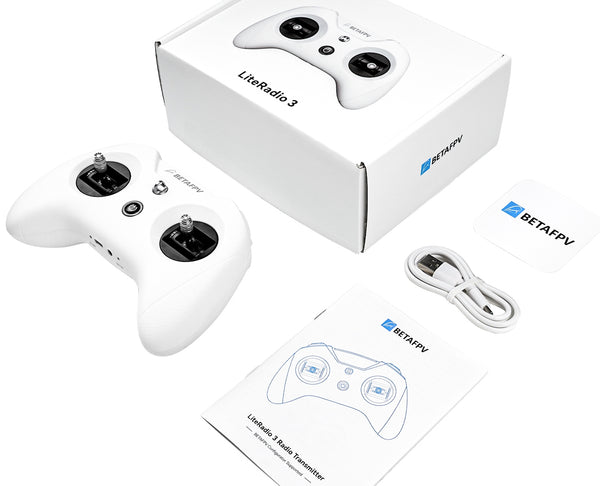
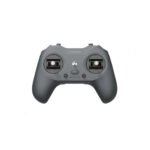
LiteRadio 3 is a remote control radio transmitter designed primarily for RC models, including multirotor, airplanes. It gives you more than you ever thought possible from an entry-level 8-channel radio.
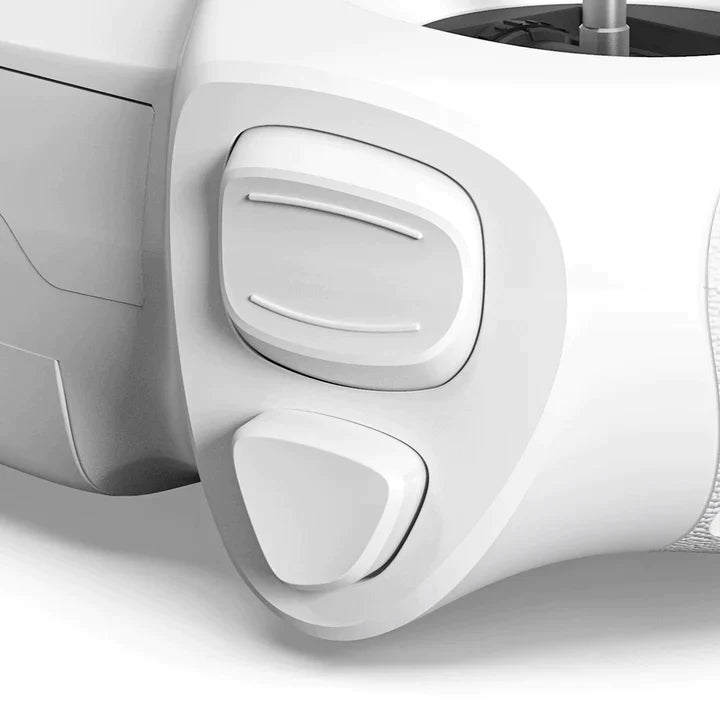
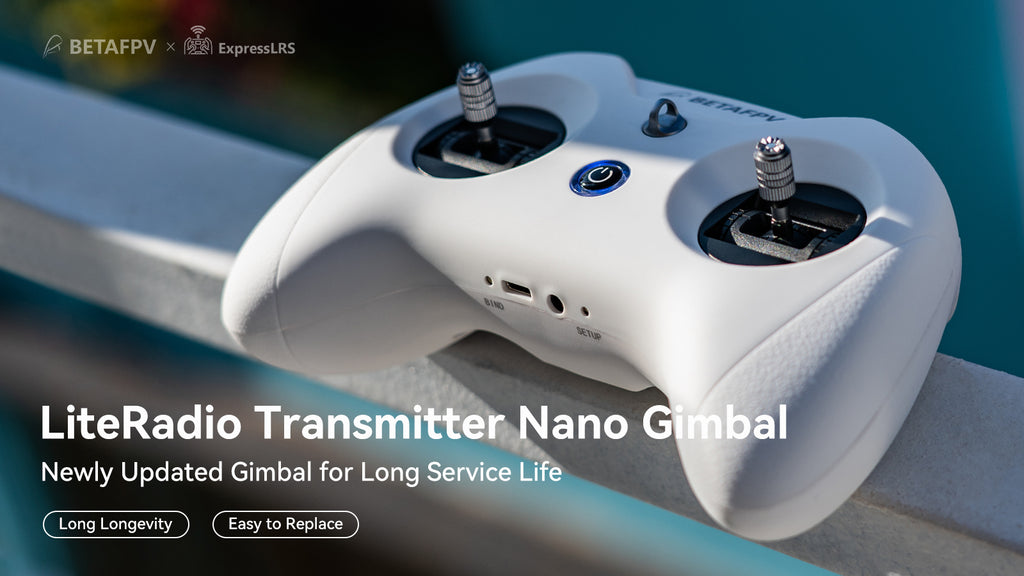
LiteRadio 3 Radio Transmitter is the newest remote control in the LiteRadio series. This transmitter features an ergonomically designed handle and has superb performance in its working time, newly updated gimbal, and multi-protocol support (Frsky version). Besides, this version supports BETAFPV Configurator which is a utility designed to simply update, configure, and tune the radio controller.
The current factory default firmware is ELRS V2, and it can be upgraded to the beta version of ELRS V3 firmware. For detailed instructions,
please check the update guide.
Check out all our Radios and the rest of our BetaFPV Products!
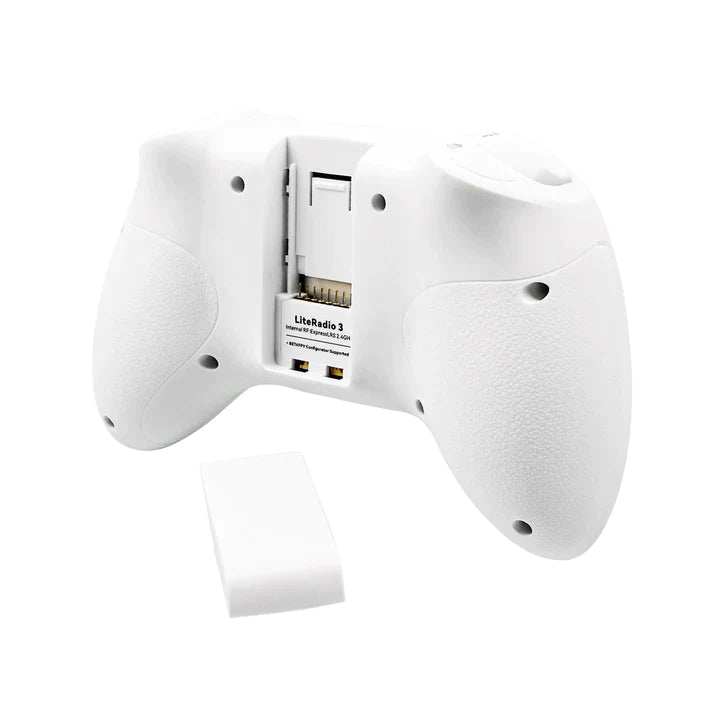
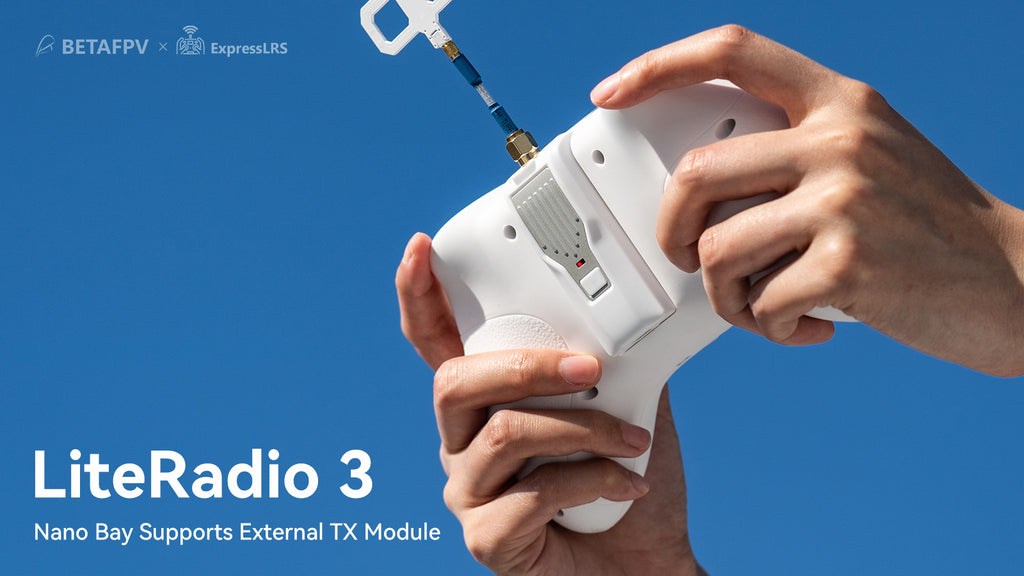
Reserving a nano bay on the backside, LiteRadio 3 supports an external module. BETAFPV ELRS Nano TX Module, which features a high refresh rate, ultra-low latency, and long-range, is strongly recommended to LiteRadio 3.
Note: The external modules should support the CRSF protocol when using other brands. If you are ready to install the TBS external nano module, the TBS nano module case size should be 64*42*25mm, the thicker one of the retrofit cases.
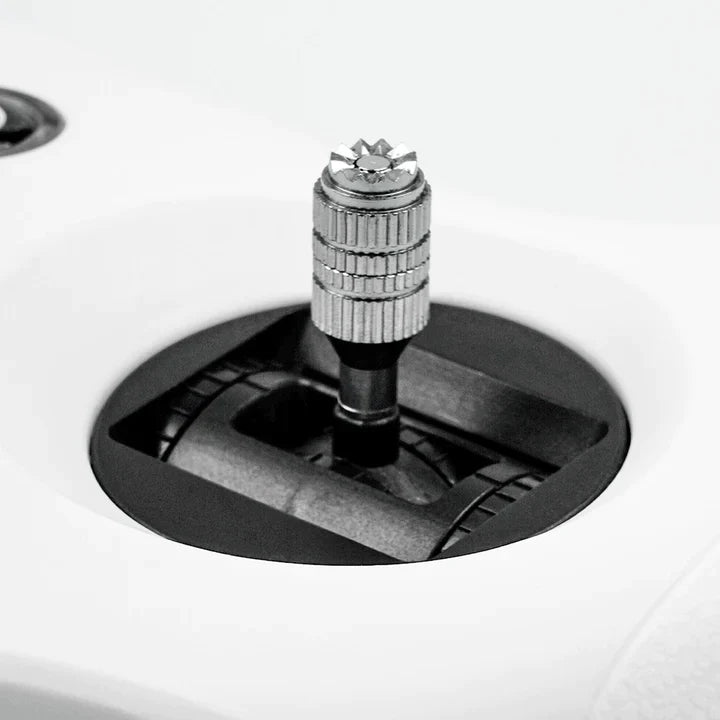
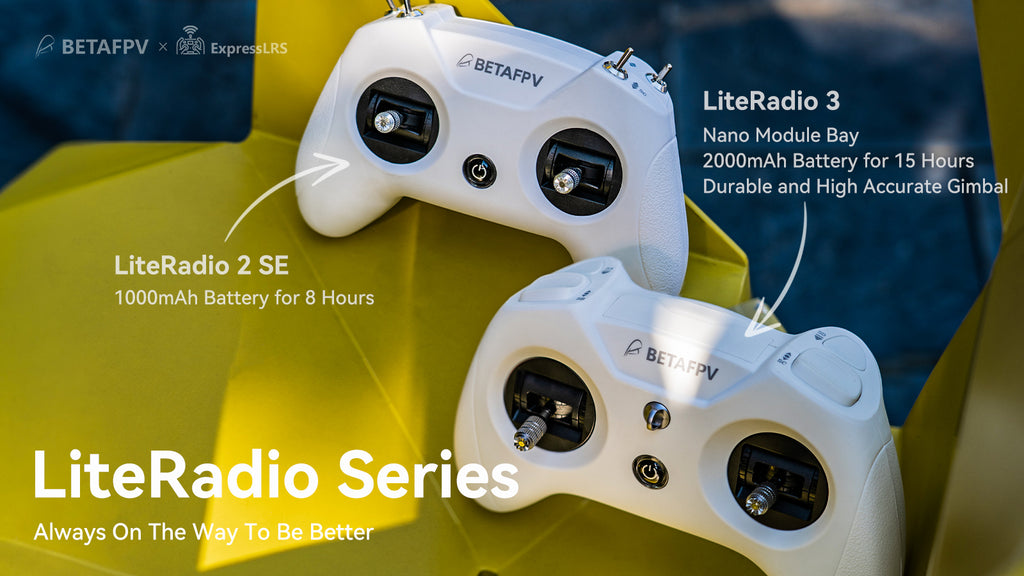
Compared with LiteRadio 2 SE, the LiteRadio 3 is equipped with a 2000mAh 1S battery, bringing an excellent endurance performance up to 15 working hours without an external module. Reserving a nano bay on the backside, it supports an external module for use with ELRS Nano TX Module, which supports CRSF protocol. Moreover, the LiteRadio 3 gimbal is newly updated with an accurate potentiometer and adjustable stick ends.
Note: The LiteRadio 2 SE ordered from December supports the BETAFPV configurator. At the same time, the LiteRadio 2 SE gimbals are the same as LiteRadio 3 for orders from December.
BETAFPV Configurator is a utility designed to simplify updating, configuring, and tuning the radio transmitter.
Download address: https://github.com/BETAFPV/BETAFPV_Configurator/releases
The function of the BETAFPV Configurator is listed below.
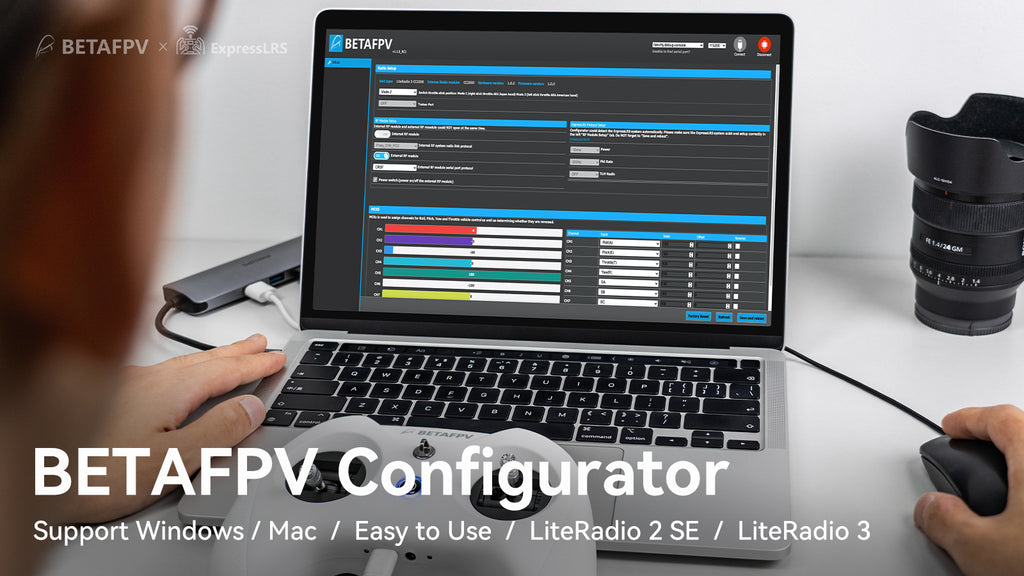
Only the radio controller ExpressLRS 2.4G and Frsky 2.0 version support BETAFPV Configurator nowadays. we will upgrade to ELRS V3.0. as soon as possible.
DO NOT power on the transmitter first and connect it to the PC. The USB port is invalid in this situation.
Note: Switching internal protocol is only available for the Frsky version radio transmitter. ExpressLRS version can only switch to the external TX module.
To change protocols and TX module, here are the steps:
Frsky Version
LED Status Protocol Version
Red Flash once Internal Frsky D16 FCC (ACCST 1.X Version)
Red Flash twice Internal Frsky D16 LBT (ACCST 1.X Version)
Red Flash Three Times Internal Frsky D8
Red Flash Four Times Internal Futaba S-FHSS
Purple Flash Three Times Quickly Internal TX Module Off and Run External TX Module
Note: LiteRadio 3 Frsky version only works with D16 ACCST 1.X Frsky protocol. So if you use a Frsky receiver with D16 ACCST 2.X version or ACCESS version, the binding will fail.
ExpressLRS Version
LED Status Protocol Version
Red Flash once Internal ELRS
Purple Flash Three Times Quickly Internal TX Module Off and Run External TX Module
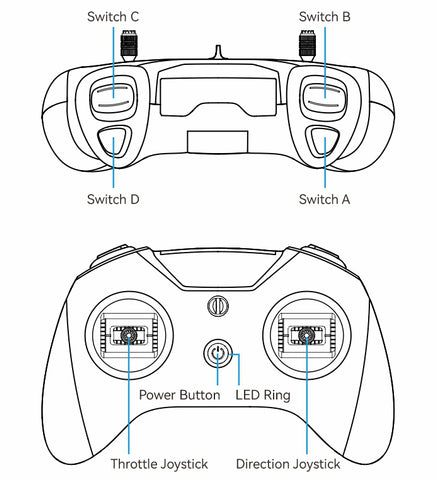
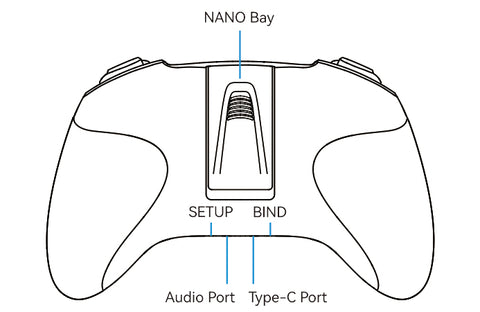
Below are the joystick calibration videos for LiteRadio 3 transmitter. The instruction is the same for both LiteRadio 3 and LiteRadio 2 SE.

| Weight | 0.47 kg |
|---|
Only logged in customers who have purchased this product may leave a review.
No account yet?
Create an AccountWXBMW replacement path
Reference item · currently unavailable
BetaFPV LiteRadio 3 RC Transmitter Mode 2 - FRSKY D8/D16/S-FHSS remains available as a specification reference. No one-click substitute is verified yet; use the selection, Build and inquiry routes below.
No verified one-click substitute yet. WXBMW will not present an unrelated component as a direct replacement.
Check voltage, dimensions, mounting, protocol, connectors and operating limits. A similar name or size does not prove drop-in compatibility.
Use this listing as a reference inside a system plan; every linked Build still requires component-by-component verification.
Send the reference model and your Build requirements for an available or OEM option review.
Request a WXBMW replacement match








Reviews
There are no reviews yet.