

Ready-to-Fly Drones · Shop by specification
Find the right ready-to-fly drones faster.
Choose the aircraft type and package format that matches how quickly you want to get flying.

15-30 Days
Free

Our courier will deliver to the specified address
7-15 Days
From $20

courier will deliver to the specified address
3-5 Days
From $40
$71.99
Out of stock
Out of stock
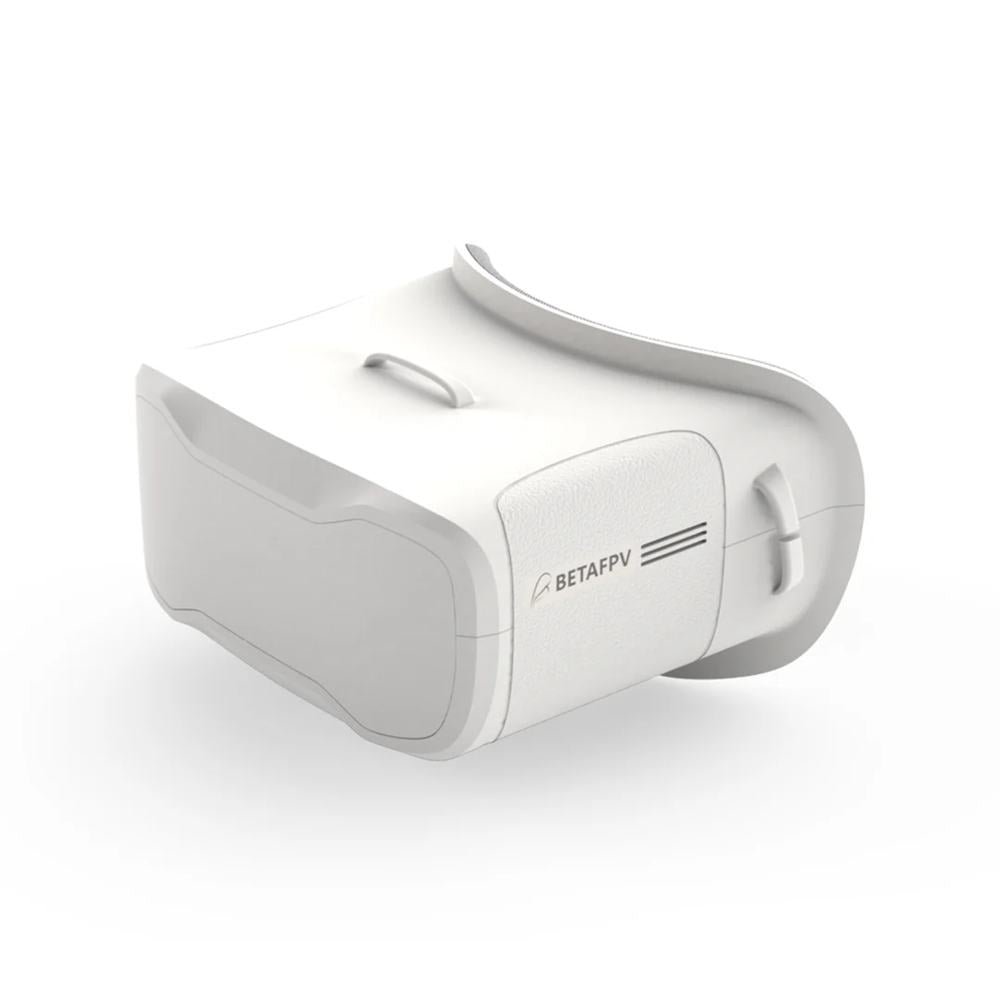
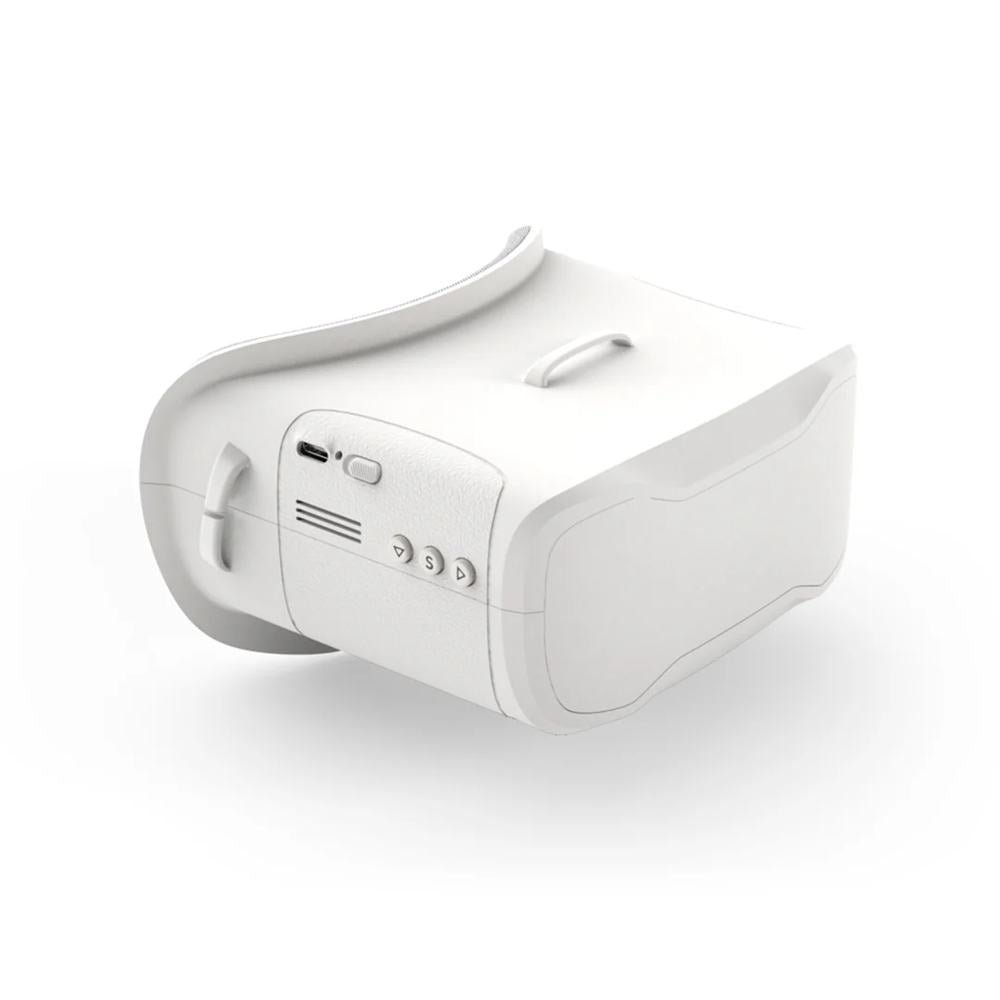
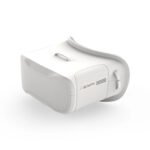
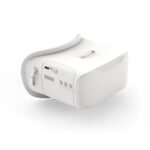
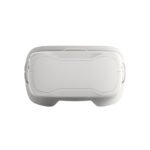
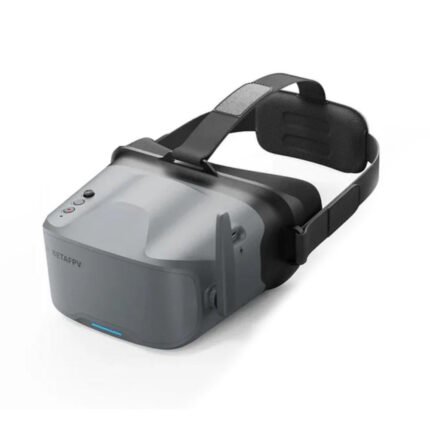
VR02 FPV Goggles – the First-Person-View Goggle with more simpler operation and powerful function, is specially designed for FPV starters.
Check out all our Goggles , Goggle Modules and the rest of our BetaFPV Products!

BETAFPV Patented Design
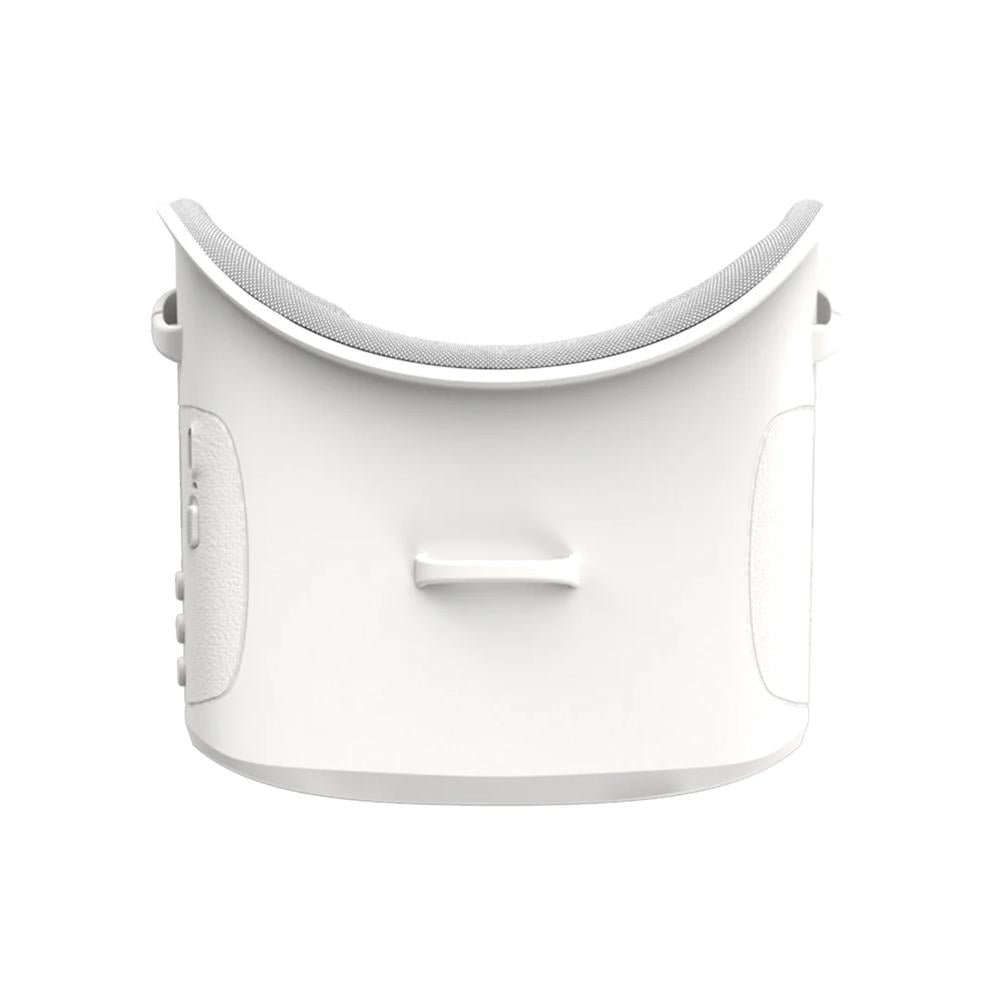
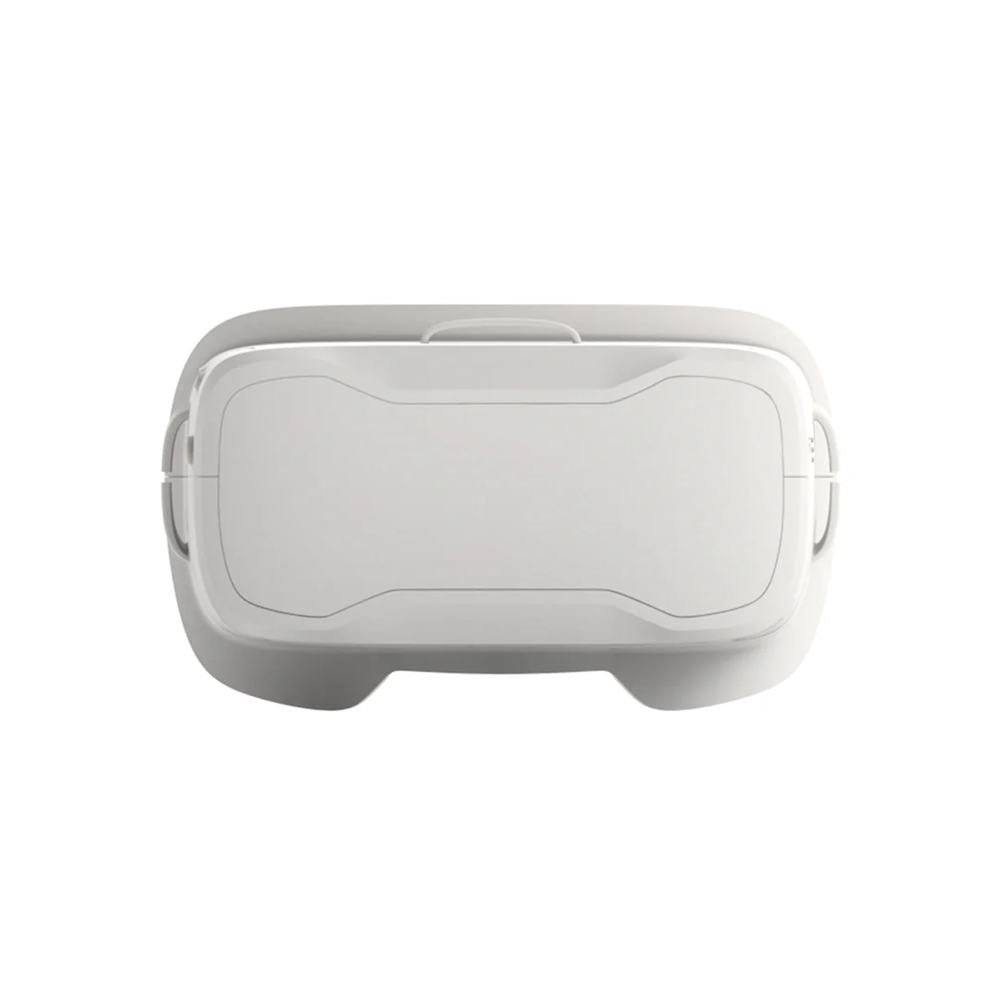
With the built-in antennas and the special design of the Goggles lens, the VR02 Goggles is more compact and exquisite, which makes it maintains a small and lightweight body.


| Button | Instruction |
| Power On/Off |
|
| Band+ |
|
| Search |
|
| CH+ |
|
How to use the frequency sweep function?
After powering on, short press the “S” button to enter the sweeping interface, as shown below. Pilots can change the Band via the “Band+” and “Ch+” buttons.
Band Status Indicator
| Green | 0<RSSI<20, not occupied |
| Yellow | 20<RSSI<70, there is a drone occupying the Band far away, or there is interference |
| Red | 70<RSSI<99, occupied |
| White | current Band (highest RSSI in the sweep result) |
How to use the fast frequency search function?
After powering on, press and hold the “S” button for 1 second to start the frequency auto-search. The frequency auto-search process is 2.5 seconds. After the frequency auto-search is over, it will beep twice and jump to the corresponding Band of the drone.

| Weight | 0.475 kg |
|---|
Only logged in customers who have purchased this product may leave a review.
No account yet?
Create an AccountWXBMW replacement path
Reference item · currently unavailable
BetaFPV VR02 5.8GHz 4.3" Screen Analog FPV Goggles remains available as a specification reference. No one-click substitute is verified yet; use the selection, Build and inquiry routes below.
No verified one-click substitute yet. WXBMW will not present an unrelated component as a direct replacement.
Check voltage, dimensions, mounting, protocol, connectors and operating limits. A similar name or size does not prove drop-in compatibility.
Use this listing as a reference inside a system plan; every linked Build still requires component-by-component verification.
Send the reference model and your Build requirements for an available or OEM option review.
Request a WXBMW replacement match








Reviews
There are no reviews yet.