





Sold out
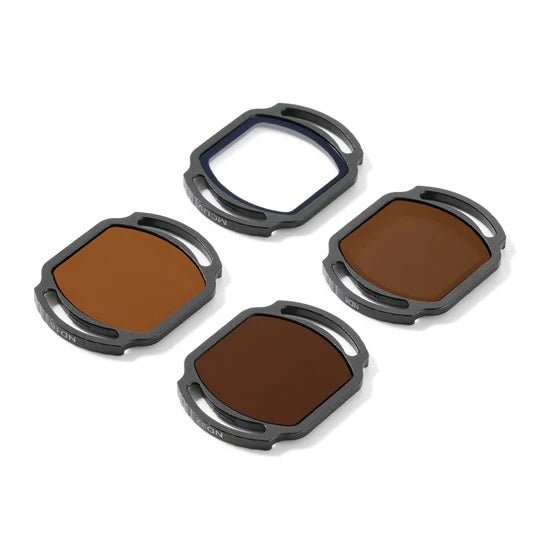
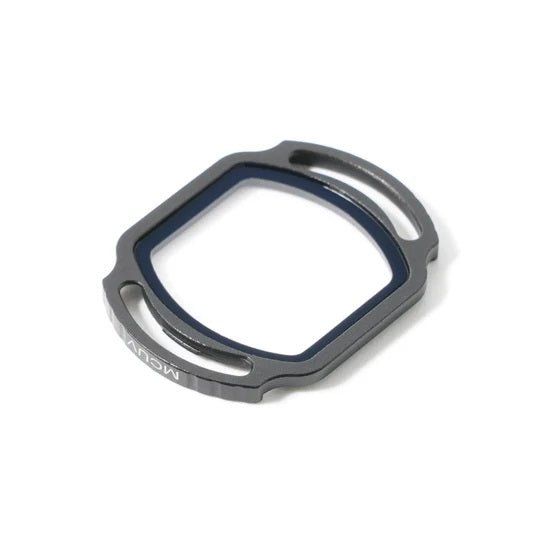
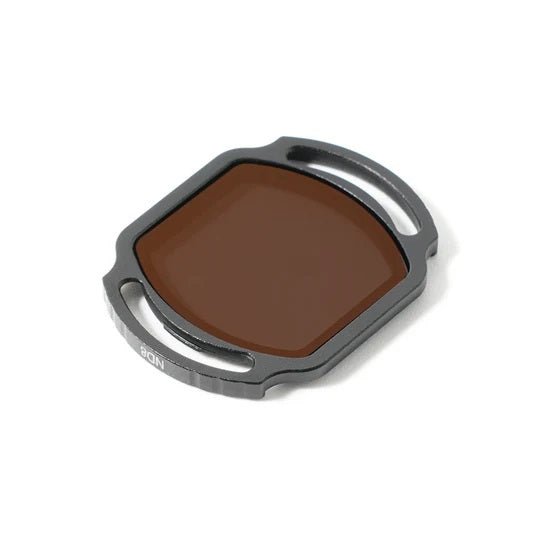
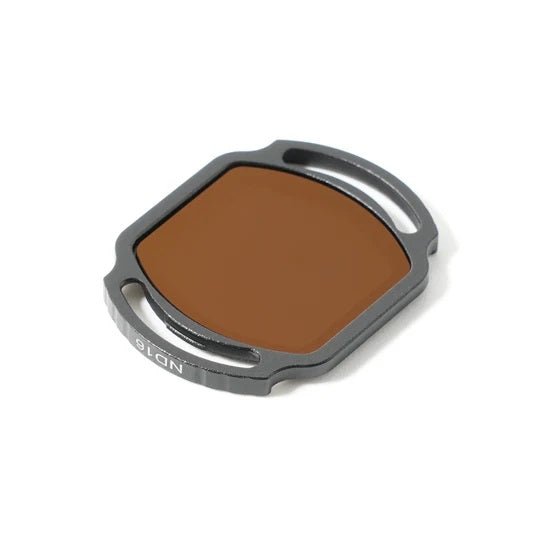
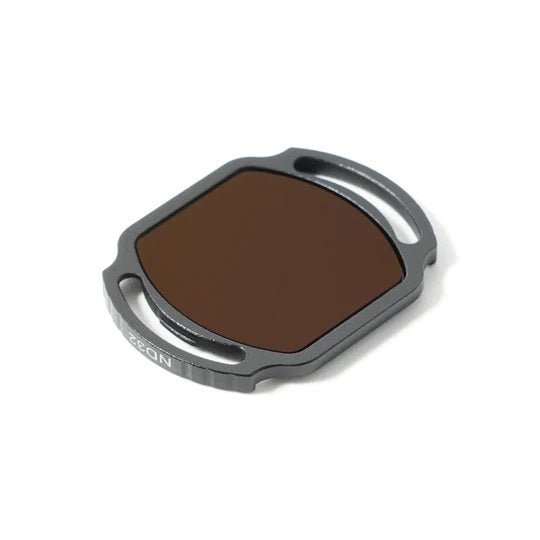
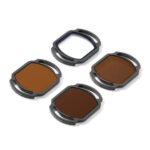
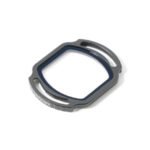
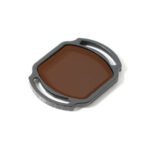
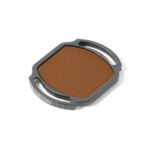
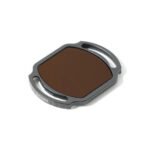
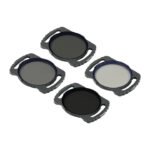
BetaFPV ND Filters for DJI O3 Camera (Choose Density)
Price range: $10.99 through $37.99

BetaFPV ND Filters for DJI O4 Camera (Choose Density)
Price range: $6.99 through $25.99
| Weight | N/A |
|---|---|
| Density | ND16 For Bright Sunlight, ND32 For Very Bright Sunlight, ND8 For Some Sunlight, SET of ND8/ND16/ND32/UV Filters, UV For Ultraviolet Light Reduction |
Description
Elevate your Pavo20 Pro’s aerial cinematography with the ND Filter for DJI O4 Pro Camera—crafted to perfect every frame. The ND8, ND16, and ND32 options ensure perfect exposure and natural motion blur every time. Meanwhile, the UV filter protects your lens from scratches, dust, and UV haze, ensuring crystal-clear images in every environment. For creators who demand versatility, the Filter Set (ND8/16/32 + UV) unlocks flawless adaptation to all lighting scenarios. Lightweight, durable, and easy to install, these filters are the ultimate companions for freestyle pilots and cinematic creators alike. With the Pavo20 Pro and its new filter lineup, every flight becomes a visual masterpiece!
Don’t forget to check out the rest of our NDFilters as well as our BetaFPV Products!

Bullet Points
- Specifically designed for the DJI O4 Air Unit Pro Camera Module and Pavo20 Pro.
- ND8, ND16, and ND32 options to reduce glare, prevent overexposure, and achieve perfect exposure in bright conditions.
- UV filter rotects your DJI O4 Pro Camera lens from scratches, dust, and UV haze, ensuring crystal-clear image quality.
- ND8/16/32 + UV filter set for versatile adaptation to all lighting scenarios.
- Easy to attach and remove, designed for hassle-free use during flights.
Specifications
- Item: Filter Set / UV Filter / ND8 Filter / ND16 Filter / ND32 Filter
- Weight: 1.0g
- Compatible Camera: DJI O4 Air Unit Pro Camera

Perfect Exposure, Every Frame
- ND 8/16/32 filters: Give you complete control over light, reducing glare and overexposure to deliver smooth, cinematic footage in bright environments. Perfect for achieving natural motion blur and balanced exposure.
- UV filter: Effectively minimize the blue tone caused by ultraviolet rays, delivering clearer, more vibrant, and true-to-life images. They also protect your camera lens from dirt, sand, and scratches, keeping your shots pristine and your gear protected.

How To Install and Remove?
To install the filter: Align it with the lens position and clip it into the frame vertically until it securely locks in place.
To remove the filter: Grip the lens mount with your thumb and gently pull it out.
Pro Tip: If the filter feels loose or shakes after installation, use a heat gun to warm the camera housing. Then carefully clamp the camera buckle with a tool until it cools down, restoring it to its original size for a snug fit.
Recommend Parts
- Quadcopter: Pavo20 Pro Brushless Whoop Quadcopter
- Frame: Pavo20 Pro Brushless Whoop Frame
Package
- 1 * Filter Set

- 1 * UV Filter / ND8 Filter / ND16 Filter / ND32 Filter

Reviews (0)
Only logged in customers who have purchased this product may leave a review.
Shipping and Delivery










Reviews
There are no reviews yet.