











Sold out
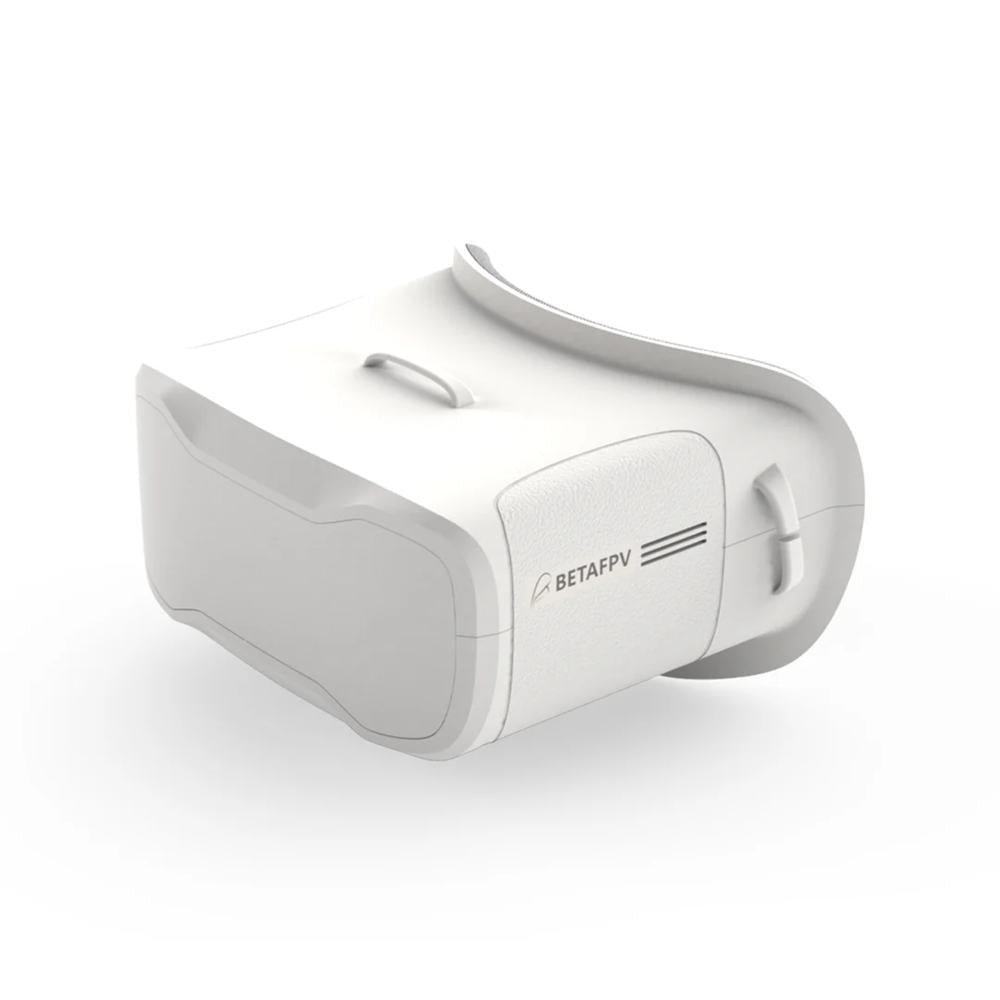
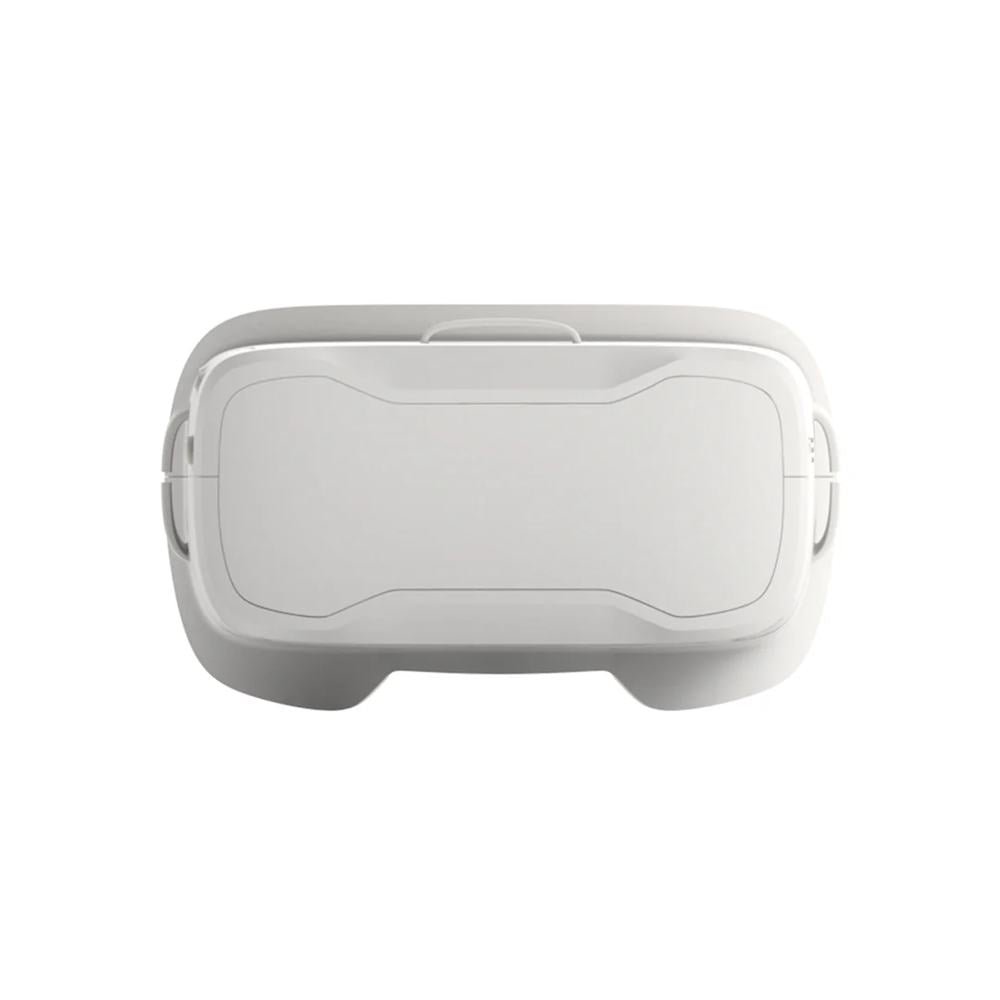
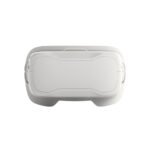
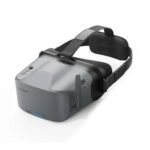
BetaFPV VR02 5.8GHz 4.3″ Screen Analog FPV Goggles
$71.99
| Weight | 0.475 kg |
|---|
Out of stock
Description
VR02 FPV Goggles – the First-Person-View Goggle with more simpler operation and powerful function, is specially designed for FPV starters.
Check out all our Goggles , Goggle Modules and the rest of our BetaFPV Products!

BETAFPV Patented Design
With the built-in antennas and the special design of the Goggles lens, the VR02 Goggles is more compact and exquisite, which makes it maintains a small and lightweight body.


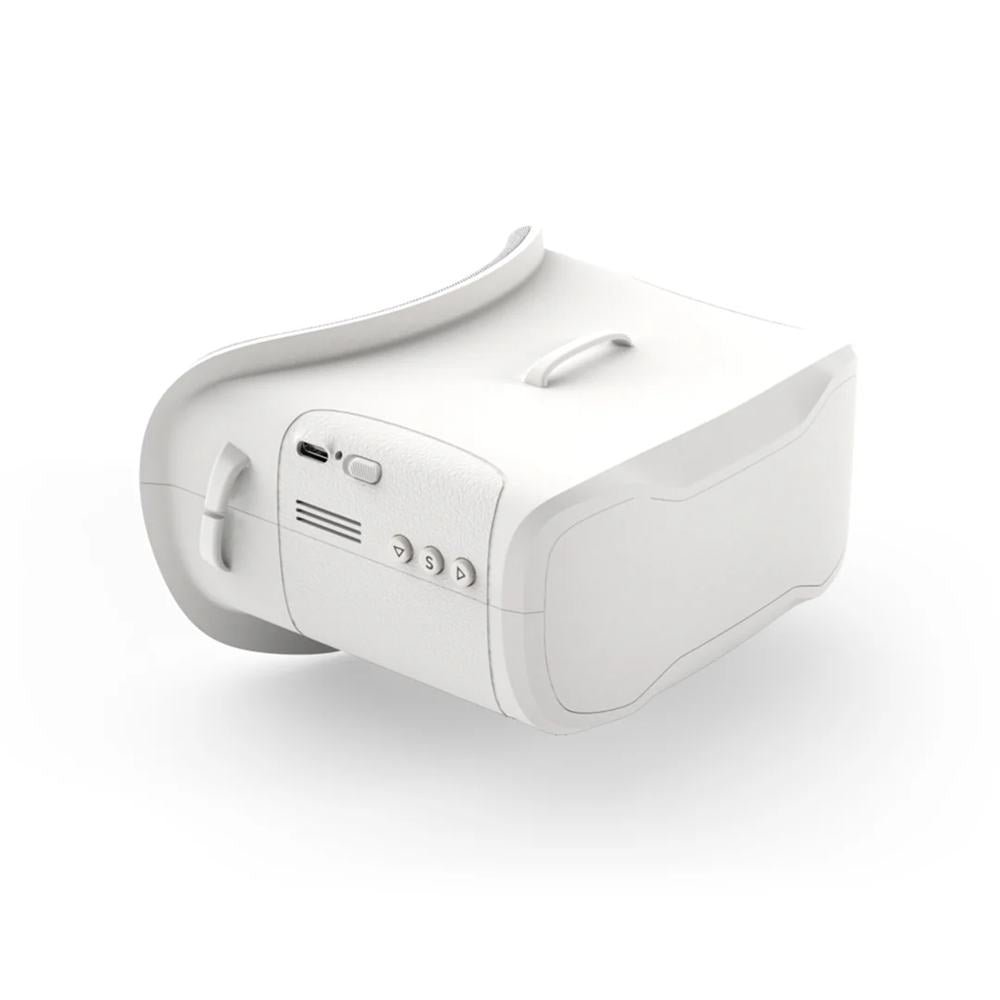
| Button | Instruction |
| Power On/Off |
|
| Band+ |
|
| Search |
|
| CH+ |
|
- BETAFPV VR02 FPV Goggles has a frequency sweep function and a fast frequency auto-search function, it will help pilots find a stronger Band to get a better flight experience.
- The frequency sweep function can display the occupancy status of each channel in the current space so that pilots can fly with a better Band and enhance the flight experience.
How to use the frequency sweep function?
After powering on, short press the “S” button to enter the sweeping interface, as shown below. Pilots can change the Band via the “Band+” and “Ch+” buttons.
Band Status Indicator
| Green | 0<RSSI<20, not occupied |
| Yellow | 20<RSSI<70, there is a drone occupying the Band far away, or there is interference |
| Red | 70<RSSI<99, occupied |
| White | current Band (highest RSSI in the sweep result) |
How to use the fast frequency search function?
After powering on, press and hold the “S” button for 1 second to start the frequency auto-search. The frequency auto-search process is 2.5 seconds. After the frequency auto-search is over, it will beep twice and jump to the corresponding Band of the drone.
Features:
- With the built-in antennas and structure patented design, the VR02 Goggles is more compact and exquisite, less than 300g lightweight is more comfortable for wearing and carrying.
- VR02 goggle comes with built-in 5.8G 14DBI high-quality antennas, you can receive stable and clear images even for long-range flights.
- With 4.3 inches 800*480px HD high brightness LCD, VR02 Goggles will show you a bright world without warped and blurred images, which is specially tuned for FPV racing or Model airplanes.
- Upgraded the frequency sweep function and the fast frequency auto-search function(only 2.5 seconds), pilots can easily find a band and channel with a stronger signal for a better flight experience.
- The advanced auto-searching function will show you the working frequency on the screen vividly.
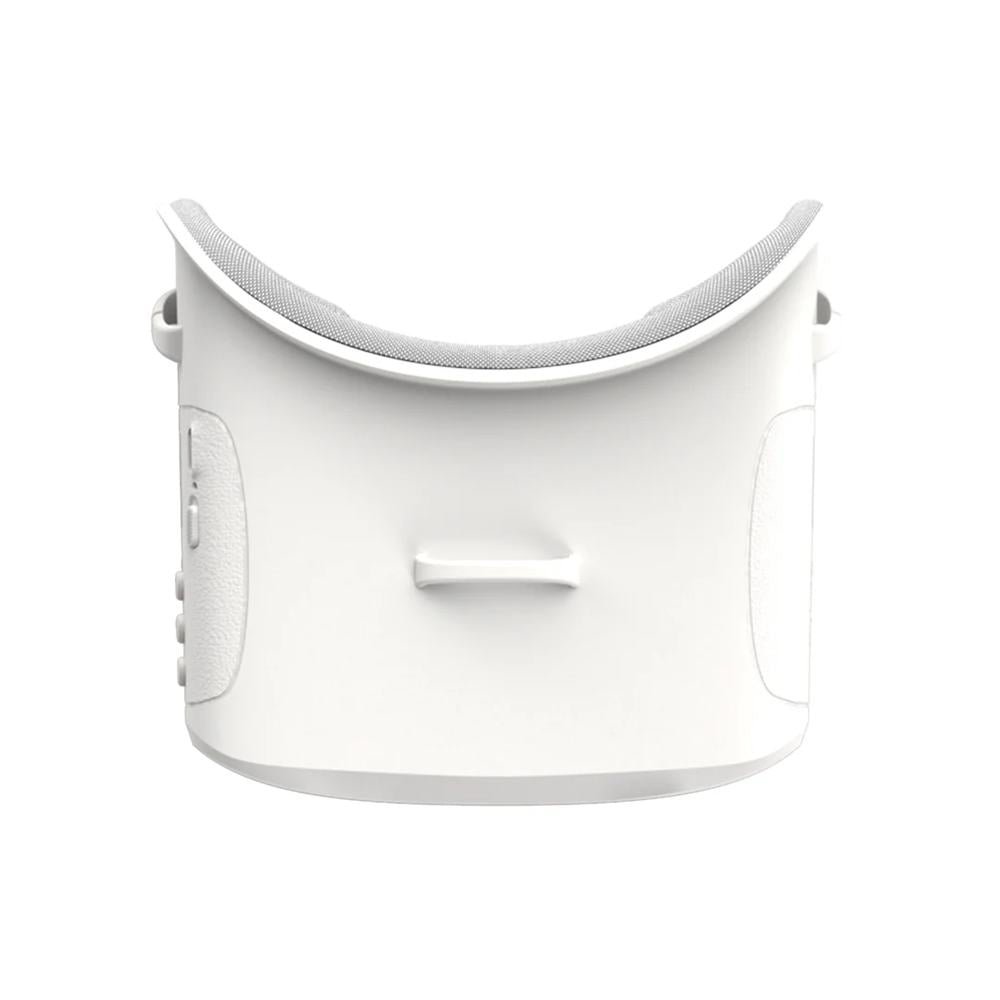
- Adopt an ergonomic design with a foam sponge faceplate and a three-sided adjustable headband, this FPV Goggles fits your face and head perfectly.
Specifications:
- Dimension: 126x143x86.3mm
- Weight: 300g with 2hr 2000mAh battery
- Belt: Three-Ways adjustable belt
- screen size: 4.3 inch
- Screen resolution: 800*480 px
- Screen brightness: 300cd/m2
- View Angle: 55°
- Type-C Charging
- Voltage: 3.7V, the device operating current of 500mA@3.7V
- Current: 500mA
- Built-in 3.7V/2000mAh high-capacity polymer battery, LED turn on while charging. When charging is completed, the LED will turn off.
- Each full charge revive is around 2 hours working time
Package Includes:
- 1 * BETAFPV VR02 FPV Goggles
- 1 * Adjustable Headband
Reviews (0)
Only logged in customers who have purchased this product may leave a review.
Shipping and Delivery











Reviews
There are no reviews yet.