



















Sold out
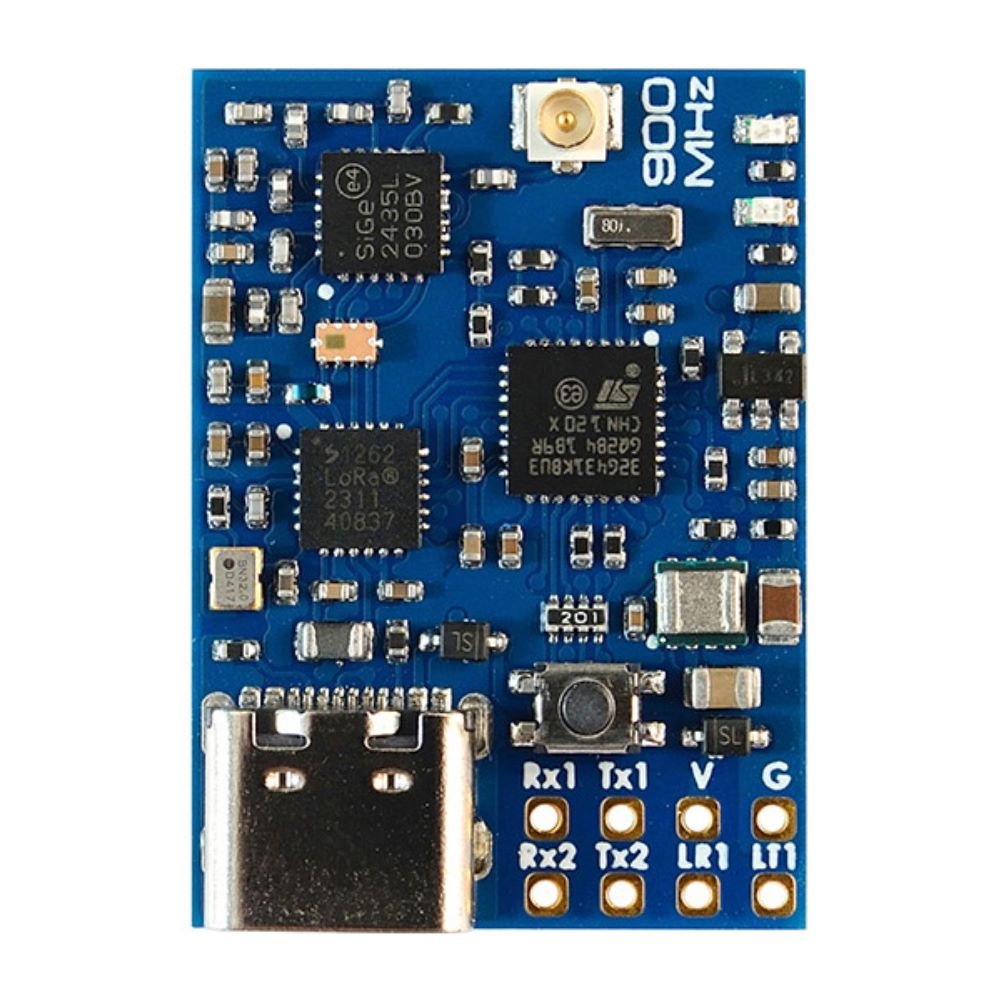
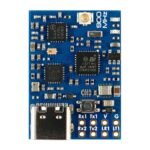
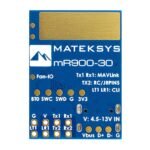

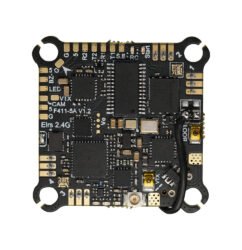
Matek mR900-30 mLRS (MAVLink long range system) firmware 30dBm RF power 900MHz Receiver
$36.99
| Weight | 0.012 kg |
|---|
Out of stock
Description
MATEKSYS mLRS 900MHz series are NOT compatible with ELRS 900MHz & Frsky R9 series using the SX127x. They will not bind with each other.
LoRa chip SX126x(e.g. mR900-30, E22) and STM32WLE5xx(e.g. mR900-22, WIO-E5, E77) are compatible with each other.
Experience unparalleled long-range connectivity with the Matek mR900-30 MAVLink long range system.
Equipped with MAVLink firmware and a 900 MHz LoRa band, the Matek mR900-30 receiver boasts 30 dBm RF power for optimal transmission strength. Stay connected with confidence and clarity.
Check out all our External Modules/Receivers Collection, and the rest of our Matek products!

Setup:
Use mR24-30 as a TX module : tx-matek-mr900-30-g431kb-default-xxx

Use mR24-30 as a TX in SiKTelem mode : tx-matek-mr900-30-g431kb-siktelem-xxx

Modes & Link Rate

Firmware Flashing:
Download STM32CubeProgrammer from ST website
mLRS firmware:
- https://github.com/olliw42/mLRS/tree/v1.3/firmware/release-matek
- Targets:
- RX Receiver: rx-matek-mr900-30-g431kb
- TX module mode: tx-matek-mr900-30-g431kb-default
- TX SiKtelem mode: tx-matek-mr900-30-g431kb-siktelem
————————————————————————————————————
Make sure DFU driver has been installed. Check out “Install DFU Drivers” in this page
Connect the Receiver USB to computer while holding the boot button in.
- Select USB
- USB1 and click Refresh
- Connect
- select “Erasing & Programming”
- Tick all sectors and click “erase selected sectors”
- Browse firmware (hex or bin file) related to the hardware.
- Click “Start Programming”
- After programming, unplug USB and plug USB back in. If red LED blinks at 2Hz, the receiver is waiting for connecting with transmitter.

*** You can also flash it via INAV or BetaFlight configurator, load firmware local, just like flashing a flight crontroller.
Com / CLI Commands:
- Install serial_port_utility
- Firmware tx-matek-mr900-30-g431kb-default, USB = COM/CLI, connect USB directly to computer, install STM VCP driver, select STM32 COM port
- Firmware tx-matek-mr900-30-g431kb-siktelem, LT1/LR1 = COM/CLI, connect USB-TTL module to LT1/LR1, select USB-TTL COM port
- more CLI commands details.

Specifications:
- STM32G431KB, mLRS firmware
- LoRa SX1262 with TCXO
- PA/LNA SE2435L
- RF Frequency: 900MHz (868MHz, 915MHz FCC)
- 915MHz RF power: 21dBm(min) / 22dBm / 24dBm / 27dBm / 30dBm(1000mW)
- 868MHz RF power: 24dBm(min) / 24dBm / 24dBm / 27dBm / 30dBm(1000mW)
- Antenna connector: IPEX MHF-1
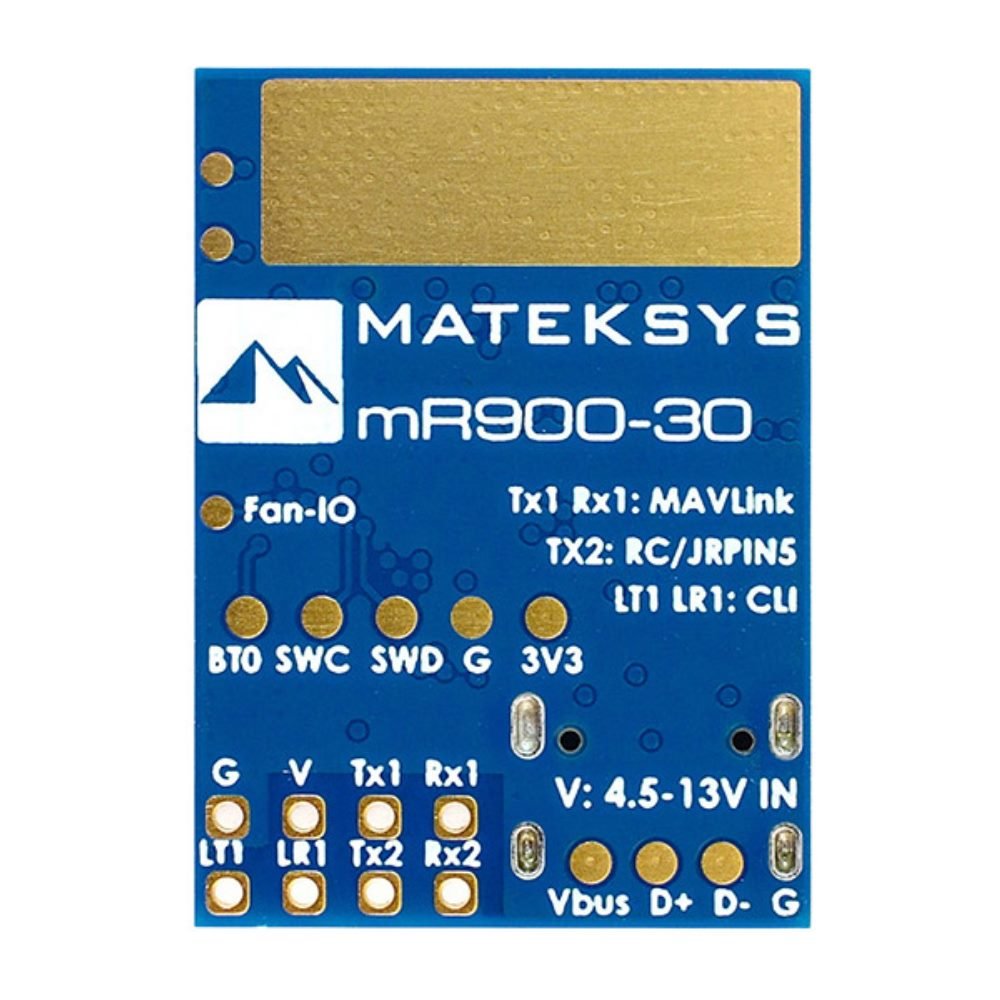
- TX1/RX1: Bi-directional Serial MAVLink
- TX2: RC out(CRSF or SBUS)
- one buttom for DFU mode and Bind
- Power supply: 4.5-13V DC @ “V” Pad
- Power dissipation: 340mA@5V IN(31Hz, 30dbm)
- PCB Size: 29x21mm
- Weight: 5.3g w/ antenna
LED Status
- [Red flashing 2Hz], not connected to transmitter
- [Green flashing 1Hz], connected to transmitter
- [Red and Green alternately ], Binding mode enabled
Binding
- After powering on, press the bind button (for ca. 4 seconds) on the receiver. When in bind mode, the green and red LEDs will blink alternatively with ca 2.5 Hz.
- https://github.com/olliw42/mLRS-docu/blob/master/docs/BINDING.md
Firmware
- mLRS https://github.com/olliw42/mLRS/tree/v1.3/firmware/release-matek
- Targets:
- RX Receiver: rx-matek-mr900-30-g431kb
- TX module mode: tx-matek-mr900-30-g431kb-default
- TX SiKtelem mode: tx-matek-mr900-30-g431kb-siktelem
Tips
- mLRS Github & Documentation
- mLRS Discord
- mLRS Facebook group
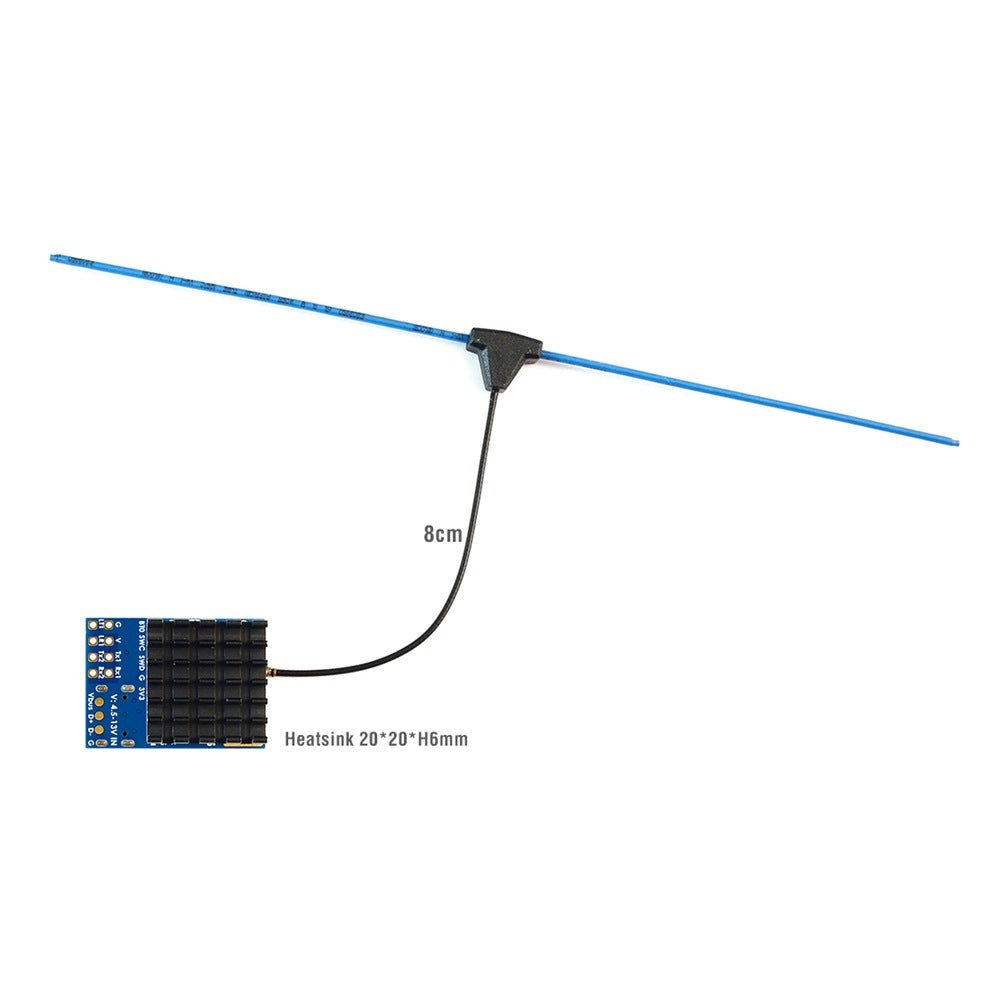
- If set RF power >=500mW, It is recommended to attach the heatsink to the bottom side of PCB. The gaps between fins can be used for mounting with M3 screws
- MATEKSYS mLRS 900MHz series are NOT compatible with ELRS 900MHz & Frsky R9 series using the SX127x. They will not bind with each other.
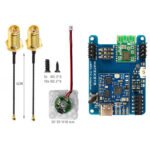
Package Includes:
- 1 x mR900-30
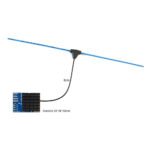
- 1 x IPEX MHF1 dipole antenna. 8cm
- 1 x Heatsink 20*20*6mm
Reviews (0)
Only logged in customers who have purchased this product may leave a review.
Shipping and Delivery














Reviews
There are no reviews yet.