




















Sold out
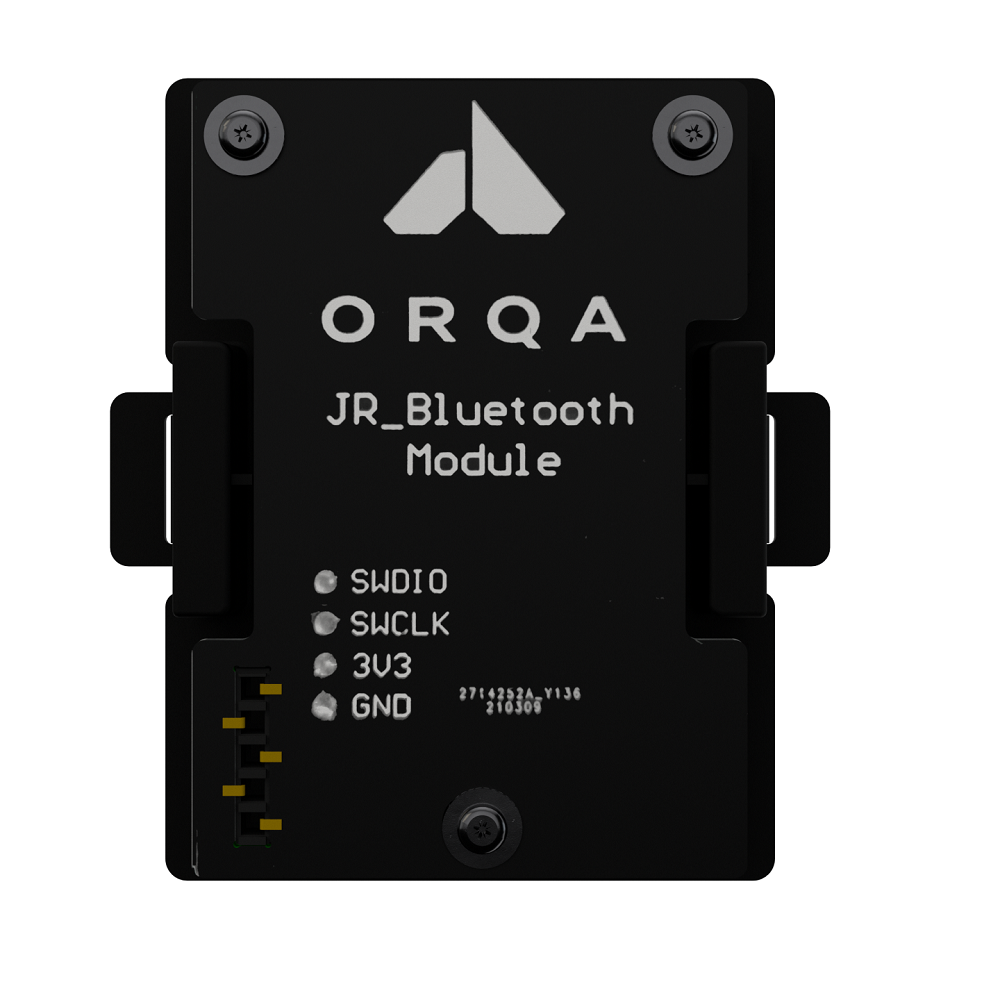
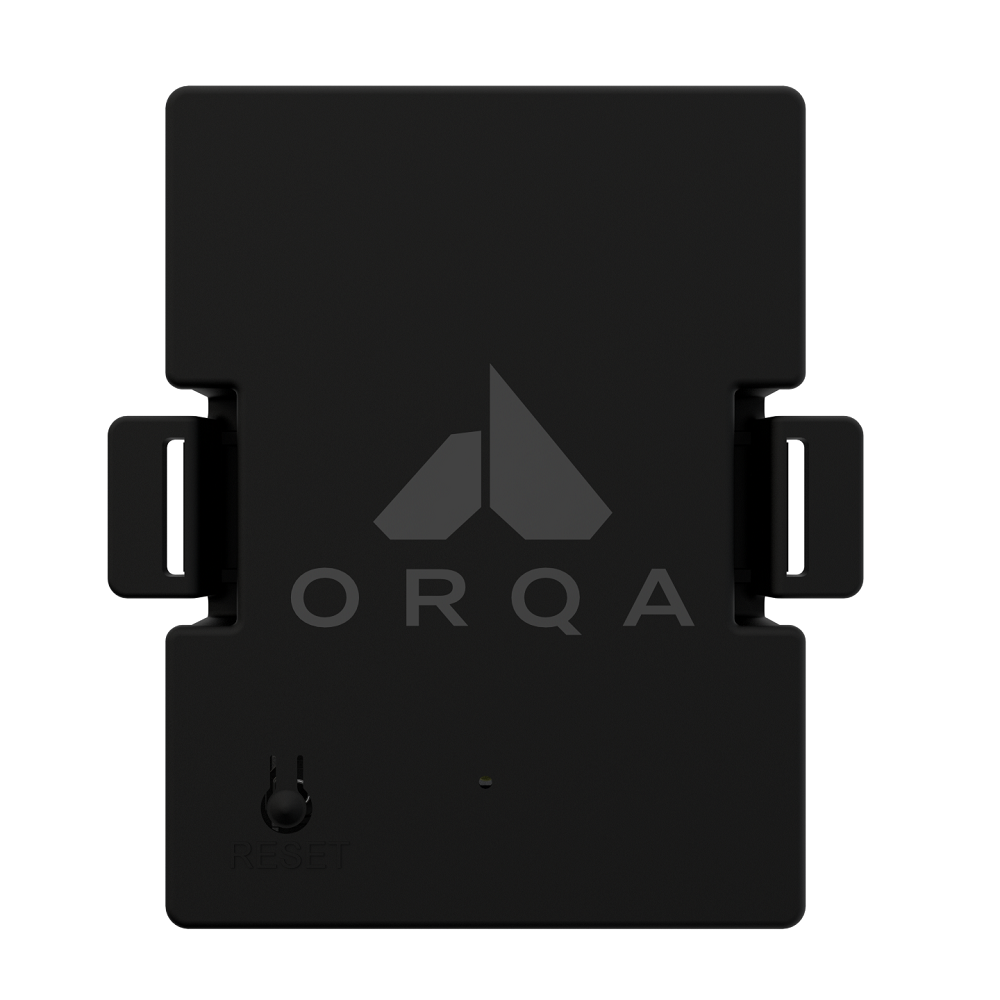




Orqa FPV.JR Bluetooth Module
$38.99
| Weight | 0.17 kg |
|---|
Out of stock
Description
🚀 Looking for an alternative?
This Orqa item is currently out of stock or discontinued. We highly recommend checking out our premium in-stock alternatives from top brands like T-Motor, GEPRC, and iFlight in the Radio & Receivers section!
This Orqa item is currently out of stock or discontinued. We highly recommend checking out our premium in-stock alternatives from top brands like T-Motor, GEPRC, and iFlight in the Radio & Receivers section!
Enable your radio controller based on JR Standard module bay with Bluetooth connectivity for seamless wireless connectivity to your favourite simulators on desktop and mobile devices.
Orqa FPV.JR Bluetooth is compatible with all radio controllers with JR module bay and desktop (Mac,PC, Linux) and mobile platforms (iOS, Android, Huawie). Orqa FPV.JR Bluetooth module supports all major FPV simulators. For the best experience download and install Orqa FPV.Skydive simulator from Steam.
To download Orqa FPV.Skydive Mobile* use links bellow:
*Orqa FPV.Skydive Mobile is in Open Beta version.
Requirements:
- Orqa FPV.BT Module
- OpenTX based radio with GHST protocol support
- JR Standard Module bay on Radio Controller
- PC, Linux, Mac or iOS, Android or Huawei with a Bluetooth Module
Installation Steps:
- Update your controller with the latest version of Open TX via this link;
- After updating your OpenTX, set External RF mode to GHST and turn off the controller;
- Plug in FPV.BT in JR bay and turn on the controller again;
- Go to your desktop or mobile device and search for “Orqa BT” bluetooth device (1);
- After pairing/connecting your desktop or mobile device with FPV.BT, it should appear as a joystick or controller device;
- If you wish to connect FPV.Bt with a new device, push the “reset” button on FPV.Bt and wait for a green light.
Technical specifications:
- JR Standard Module
- JR Standard Pinout
- Bluetooth 5.0
- Reset button
- RGB Status LED
- Low Latency
Reviews (0)
Only logged in customers who have purchased this product may leave a review.
Shipping and Delivery















Reviews
There are no reviews yet.