Ready-to-Fly Drones · Shop by specification
Find the right ready-to-fly drones faster.
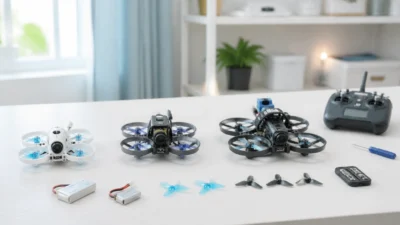
Choose the aircraft type and package format that matches how quickly you want to get flying.
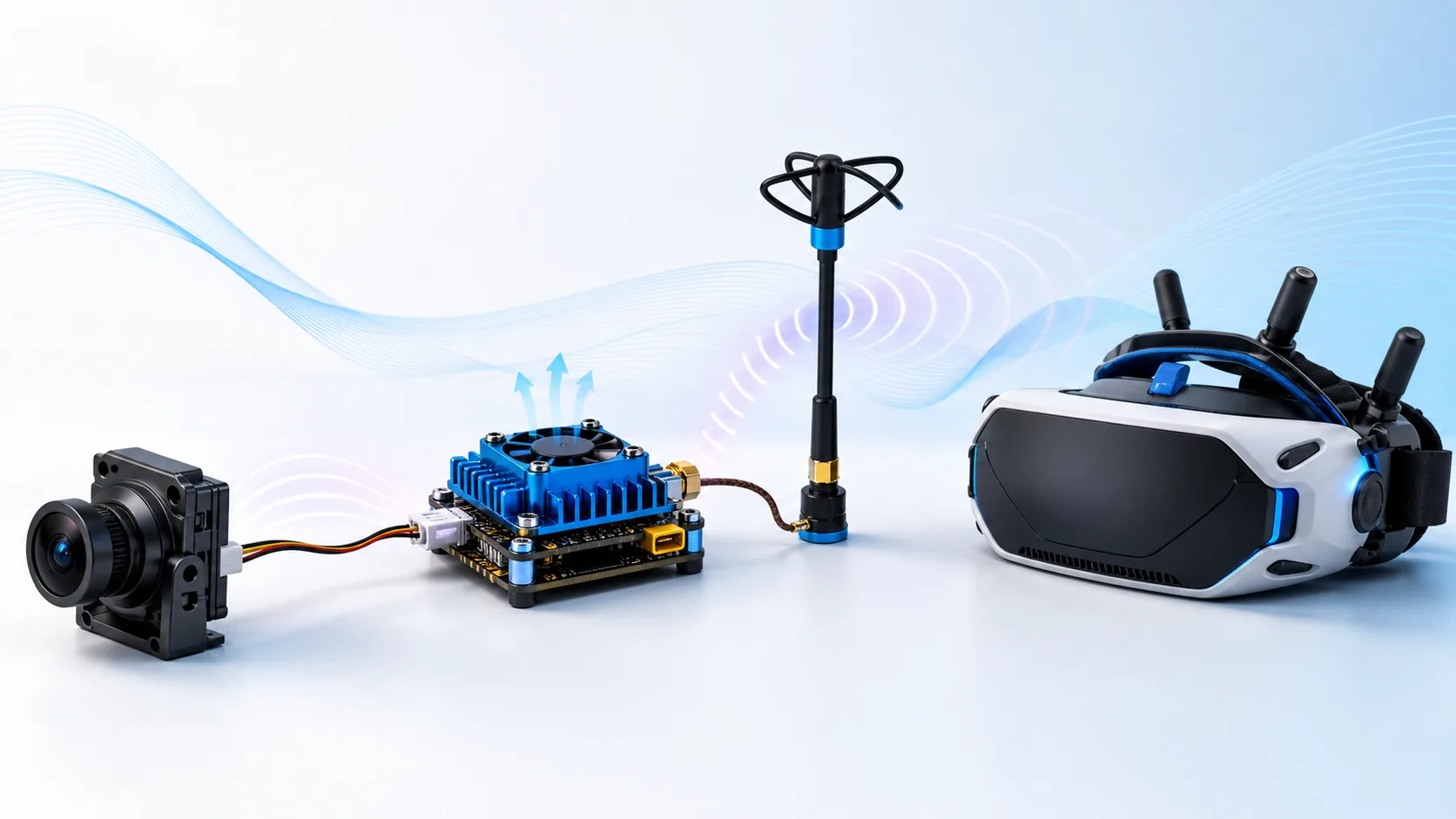
An FPV video link is a complete system: camera, video transmitter (VTX), antenna, receiver or goggles, power supply and mounting. Buying one component by resolution or output power alone can create an incompatible or unreliable link.
| Factor | Analog FPV | Digital FPV |
|---|---|---|
| Compatibility | Camera and VTX use analog video; receiver/goggles tune the same band/channel | Camera/air unit and goggles must support the same digital ecosystem and firmware family |
| Image character | Lower detail but predictable degradation with weak signal | Higher detail; weak links may show latency changes, breakup or freeze depending on system |
| Weight and space | Can be compact and light | Air unit, cooling and camera can require more space and power |
| Setup priority | Band/channel, video format, wiring and antenna | System pairing, firmware, air-unit power/cooling and camera cable |
Do not assume that two digital products work together because both use the term “HD.” Verify the exact ecosystem, model generation and firmware requirements.
The transmitter and receiver must share a supported frequency band and channel plan. Legal frequencies and power limits vary by country or region; configure the system for where it will be operated. A listed maximum output power is not permission to transmit at that level.
Match frequency range, connector type and polarization. RHCP and LHCP antennas are not interchangeable as a matched link. Confirm whether the connector is SMA or RP-SMA and whether a small board connector is U.FL/IPEX or another type. Never power a VTX that requires an antenna while the antenna is disconnected.
Confirm input voltage, current demand and regulator capacity. Route video power away from avoidable electrical noise and use filtering where the design requires it. High-power transmitters can heat rapidly without airflow, so use the manufacturer’s bench-test limit and cooling instructions. Heat, unstable power or a damaged antenna can look like a range problem.
Protect the camera lens and antenna connector, provide strain relief, and keep antennas clear of carbon and high-current wiring. Avoid sharp coax bends. On long-range builds, plan receiver-control and video antennas as separate systems and verify failsafe behavior before flight.
Browse FPV video systems, use the Beginner or Long Range build path, and ask WXBMW for an OEM or compatibility match when the camera, VTX revision, connector or frequency table is not fully documented.
No. Frequency coverage, connector type, polarization, impedance and physical installation all matter.
Only when the exact products explicitly support the same ecosystem and generation. “Digital” or “HD” is not a universal compatibility standard.
Check antenna/connector damage, power stability, regulator capacity, overheating, channel configuration and carbon or wiring that blocks the antenna pattern.
Next step after this guide
Use the guide to define the required specifications, verify the aircraft-level Build path, then compare current WXBMW parts. Recheck voltage, mounting, protocol, connector and load compatibility before ordering.
No in-stock WXBMW option is shown for this exact category right now. Use the specification-match request instead of assuming a nearby item is compatible.
No account yet?
Create an Account